What’s the Best Way to Make a Seamless Photo Collage Online?
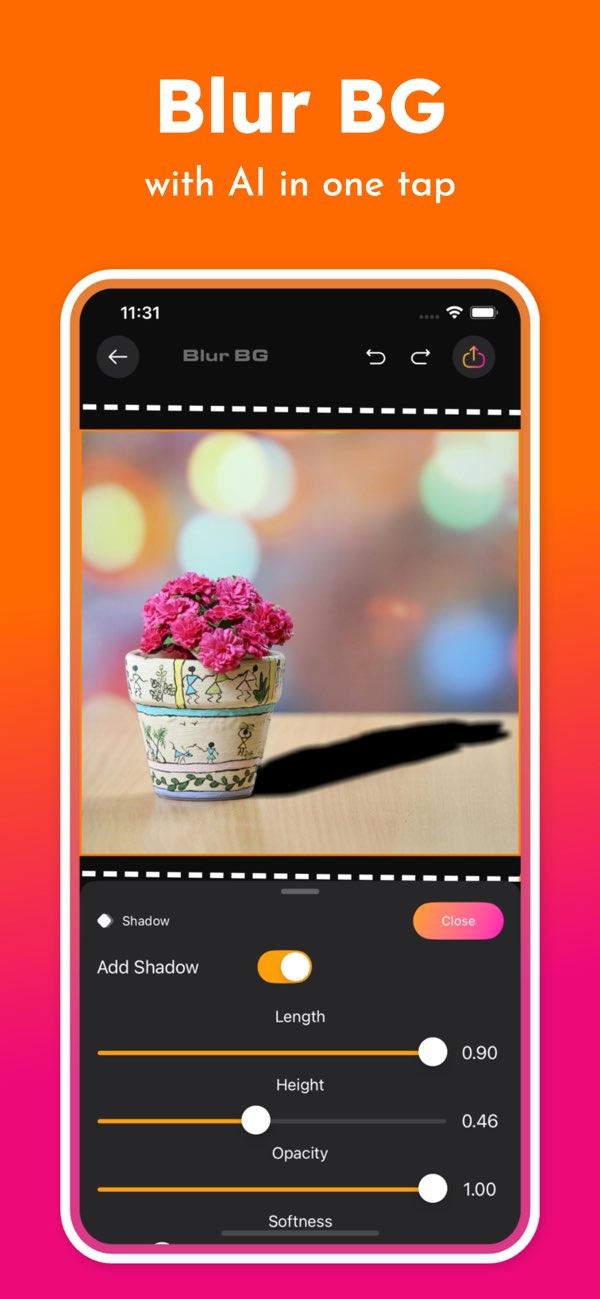
Making a seamless photo collage online is simple and efficient with the Background Editor app on iOS. The app includes AI-powered tools that help you blend images, remove unwanted objects, and adjust backgrounds in a few taps. You can download the app from the App Store to get started.
 |
 |
Key Features of Background Editor for Creating Collages
The Background Editor app gives you professional tools for building clean, polished photo collages. Below are key features that make it a strong option:
 |
 |
 |
 |
FAQs
Frequently Asked Questions
Can I remove backgrounds from photos using the Background Editor app?
Yes. The app can remove backgrounds instantly with AI, which helps you create transparent layers for your collages.
How can I make my photo collage look professional?
Use high-quality images, keep a consistent style, and use the app’s design tools for final details like text and filters.
Is the Background Editor app available for Android devices?
Right now, the Background Editor app is available on iOS devices. Check the Editr Apps website for updates on Android availability.
Are there templates available in the Background Editor app?
Yes. The app includes many templates and layouts to help you create balanced and attractive photo collages.
Conclusion
Creating a seamless photo collage can be fun and rewarding, especially when you have the right tools. The Background Editor app on iOS keeps the process simple with AI-powered features and a wide set of design options. Whether you are new to design or have experience, the app can help you create strong collages with less effort. To learn more and download the app, visit the App Store. For more resources and updates, visit the Editr Apps website.