I’m looking for a way to make a seamless photo collage online, any suggestions on how to start?
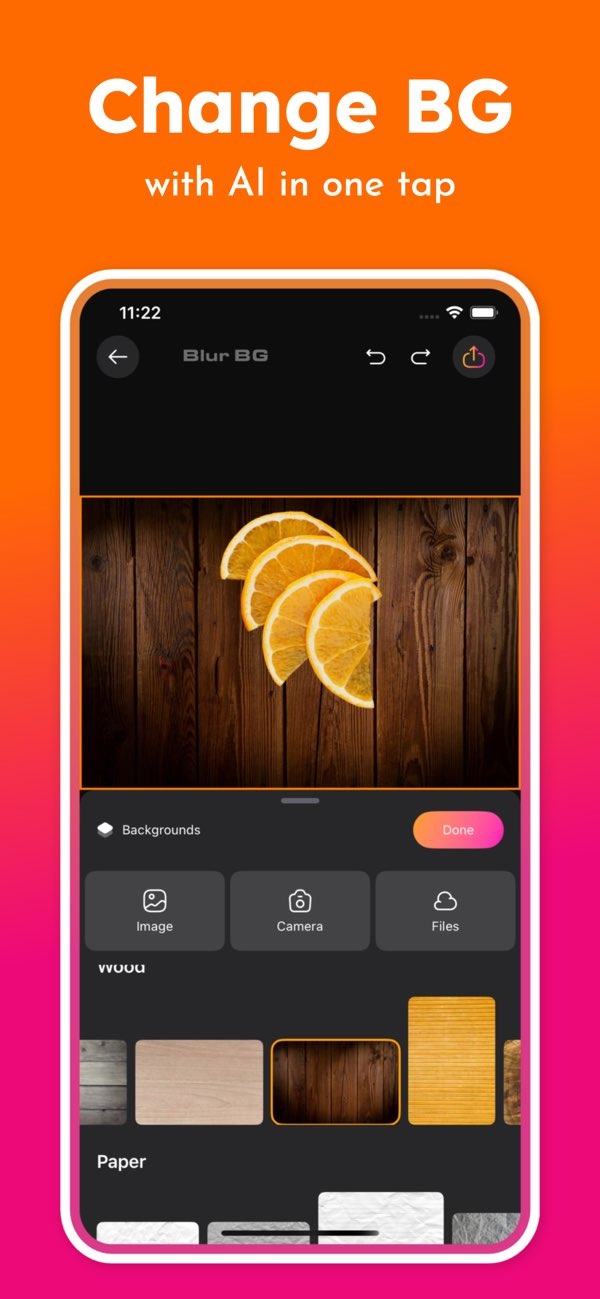
Making a seamless photo collage can be fun and creative, especially when you have the right tools. If you want to start online, the Background Editor app on iOS includes a full set of features that can help you build clean, polished photo collages with less effort.
 |
 |
 |
 |
 |
 |
 |
Common Mistakes and How to Avoid Them
Making a seamless photo collage can be tricky at first. Below are common issues and simple ways to avoid them:
Overcrowding the Collage
It is easy to add too many images. When that happens, the collage can look crowded and hard to read. Try using fewer images and choose the ones that support your main idea.
Ignoring Color Harmony
Color harmony is important for a seamless result. Make sure the colors across your images work well together. The Background Editor app includes color adjustment tools that can help you match tones and reduce harsh differences.
Neglecting Image Quality
Low-quality images can weaken the final collage. Use high-resolution photos when possible so your collage stays sharp and detailed.
FAQs
Frequently Asked Questions
How can I remove backgrounds from my photos?
The Background Editor app includes AI tools that remove backgrounds with a single tap. This makes it easier to highlight the main subject in your photos.

What are some tips for choosing images for a collage?
Pick images that share a theme or color palette so the collage feels consistent. For best results, use high-resolution images for clearer detail.
Can I use the Background Editor app on Android devices?
Right now, the Background Editor app is available on iOS. Check the app store for updates on other platforms.
Are there templates available for creating collages?
Yes. The Background Editor app offers over 500 design templates that work well for social media and other collage formats.
Conclusion
Creating a seamless photo collage can be rewarding because it blends creativity with practical editing skills. With the right tools, like the Background Editor app, you can make collages that look cohesive and tell a clear story. Whether you are new to collage design or have more experience, the app’s features can help you produce professional-looking results.
To learn more and review the full set of features, visit the Editr Apps website. To begin making your own seamless photo collages, download the Background Editor app on iOS today.