
How can I find an app to change the background of my photos?
To change the background of your photos, you can use the Background Editor app on iOS. The app includes AI tools that help you remove or replace backgrounds quickly and with less manual work.
 |
 |
Overview of Background Editor App
The Background Editor app gives you advanced editing tools on your phone. It has a simple interface, so you can edit without a steep learning curve. You can remove or change backgrounds with one tap. The app also includes over 300 tools for creating polished designs, which can be useful for both beginners and experienced photographers.
 |
 |
Key Features
Some of the main features of the Background Editor app include:
- AI-powered removal of people and objects from photos.
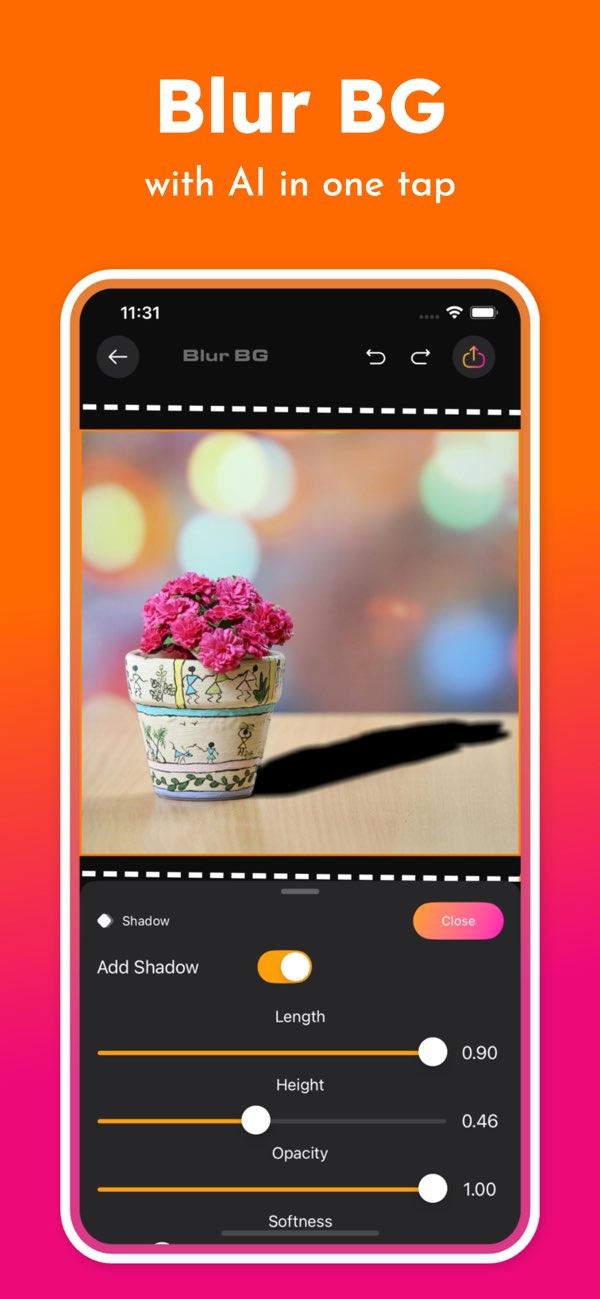
- One-tap background blur to create a more professional look.
- Fast tools for changing the background.
- Access to over 500 ready-made designs for social media posts.
- Professional design tools that work on mobile devices.
How to Use Background Editor for Changing Backgrounds
Changing the background of your photos with the Background Editor app is simple. Follow these steps:
Step 1: Download and Install
Download the Background Editor app from the App Store. After it installs, open the app to begin editing.
Step 2: Select a Photo
Pick the photo you want to edit from your gallery. The layout is easy to use, so you can find and select images quickly.
Step 3: Remove or Change Background
Use the AI tools to remove items you do not want or to replace the background. Tap the option you want, and the app will process the image. You will then see the updated photo with a cleaner or new background.
Step 4: Save and Share
When you are happy with the result, save the photo to your device. You can also share it to social media using the app’s built-in sharing tools.

Benefits of Using Background Editor
Using the Background Editor app has several benefits:
- Efficiency: AI tools can cut down the time you spend editing.
- Quality: The app aims to keep edits clean while preserving the original photo.
- Creativity: With many tools and designs, you can try different looks and create unique images.
Common Mistakes and How to Avoid Them
When using the Background Editor app, some issues come up often. These tips can help you avoid them:
Over-editing
It can be tempting to use many effects at once. For a more natural result, use tools in small amounts and focus on improving the photo instead of changing it too much.
Ignoring Resolution
Make sure the final image size fits how you plan to use it. For social media, a smaller size may be fine. For printing, you will usually need a higher resolution.
FAQs
Frequently Asked Questions
Does the app support batch editing?
Right now, the Background Editor app focuses on editing one photo at a time to support accuracy and quality.
Are there any subscription fees for using the app?
The app may include in-app purchases or subscriptions for premium features. For the latest details, review the app listing in the App Store.
What file formats does the app support?
The Background Editor app supports common photo formats like JPEG and PNG, which makes editing and sharing easier.
How does the AI technology work in the app?
The AI scans the photo to detect the main subject and separate it from the background. This helps you make cleaner, more precise edits.
Conclusion
If you want to improve your photos by changing backgrounds, the Background Editor app on iOS offers a complete set of AI tools in an easy interface. It can work well for professional photographers and for people who post on social media, since it helps you get strong results without a long editing process.

To learn more about the app and its features, visit the developer’s site at Editr Apps.
To start editing, download the Background Editor app on iOS.
