What factors should I consider when selecting a background for a professional photo?
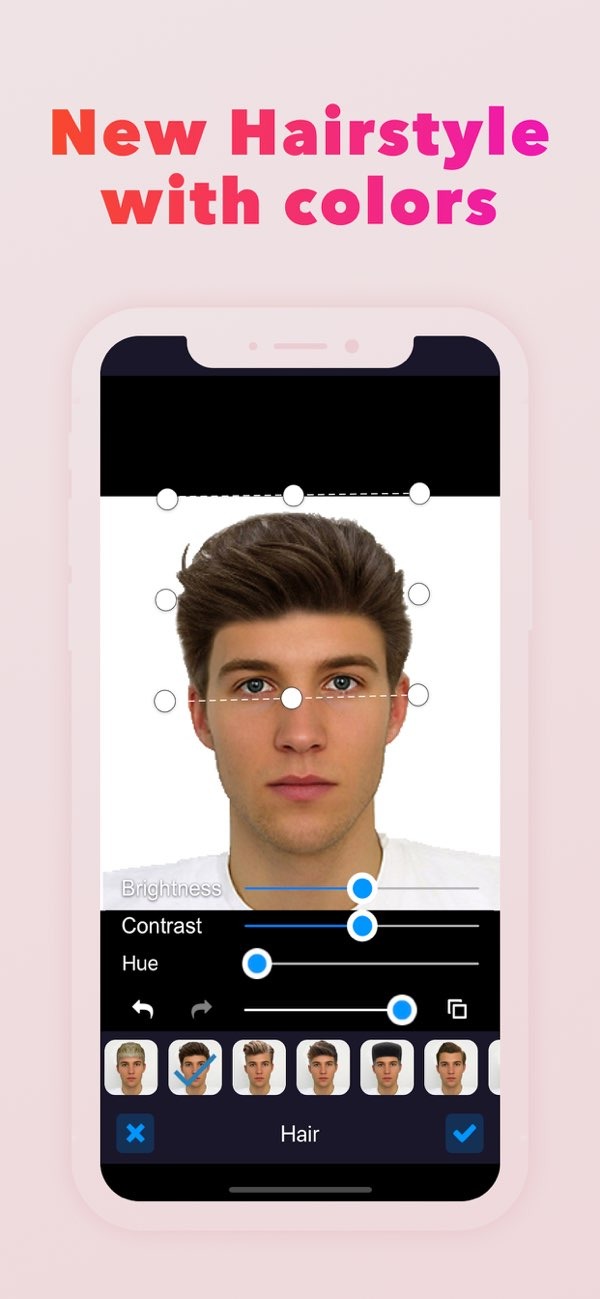
When selecting a background for a professional photo, think about color, texture, and context. These details help the image match your professional goals. Using PhotoToHeadshot on iOS can make this easier by offering clean backgrounds and studio lighting options made for professional headshots.
 |
 |
Understanding the Importance of Backgrounds in Professional Photos
The background of a professional photo has a big effect on the final image. It can support the subject or pull attention away from them. That is why it is important to choose it with care. A good background can bring out the subject’s features and help set the right message or tone.
In professional settings, the background should fit the subject and the way you plan to use the photo. For example, a headshot for a corporate profile often needs a neutral, clean background. A creative professional may choose something more lively or colorful.
 |
 |
Key Factors to Consider When Choosing a Background
Color and Contrast
Color is one of the most important things to consider when choosing a background. The right color helps your subject stand out and creates a strong visual effect. Neutral colors like white, gray, or beige are common for corporate headshots because they look clean and do not distract from the subject.
Contrast matters just as much. Make sure the background color stands apart from the subject’s clothing and skin tone so they do not blend in. For example, a dark background can help a person in light-colored clothing stand out more clearly.
Texture and Patterns
Texture can add depth and interest to a photo. Still, it is important that the texture does not overpower the subject. Light textures, such as a slightly textured wall or a soft fabric backdrop, can look polished without being distracting.
Use patterns carefully. Patterns can add character, but they can also steal attention from the subject. If you choose a patterned background, keep it simple and make sure it does not clash with the subject’s clothing or accessories.
Context and Purpose
To choose the right background, be clear about the context and purpose of the photo. For example, a photo for a business card or LinkedIn profile should have a professional, neutral background. In contrast, a photo for a creative portfolio may work better with a more artistic or unique backdrop.

Also think about industry norms and the message you want to send. A background that matches these points can improve the photo’s impact and keep it looking professional.
Practical Scenarios and Examples
Corporate Headshots
For corporate headshots, a simple and uncluttered background is usually the best choice. A plain white or gray wall can create a clean, professional look. With PhotoToHeadshot on iOS, you can create this style using AI-powered background removal and enhancement tools.
Creative Industry Photos
In creative fields, professionals may choose backgrounds that show their style. A photographer, for example, might use a backdrop with a light artistic pattern or a bold color that fits their brand. This can make the photo feel more engaging and easier to remember.
Common Mistakes to Avoid
A common mistake is picking a background that is too busy or distracting. This can pull attention away from the subject and reduce the professional feel of the photo. Another mistake is ignoring lighting, since lighting changes how the background looks in the final image.
Also, if the background does not match the subject’s clothing or the photo’s purpose, the result can feel mismatched. Make sure the background, subject, and overall use of the photo work well together.
Limitations and Trade-offs
A simple background is often the safest choice for professional photos, but it may not always match the message or tone you want. In those cases, a more detailed background may help, but it can also compete with the subject for attention.
Another trade-off is choosing a natural background versus a digital one. Natural backgrounds can feel more authentic. Digital backgrounds can give you more control and a consistent look, especially when using apps like PhotoToHeadshot on iOS.
Frequently Asked Questions
How do I choose a background that complements my skin tone?
Pick a background color that contrasts with your skin tone so you stand out. For example, a darker background can make lighter skin tones stand out more, and a lighter background can do the same for darker skin tones.
Can I use a digital background for my professional photo?
Yes. Digital backgrounds can help you control the final look and keep it consistent. Apps like PhotoToHeadshot include AI tools that can create professional-looking digital backgrounds.
What should I avoid in a professional photo background?
Avoid backgrounds that are busy or too complex, since they can distract from the subject. Also make sure the background fits the subject’s clothing and the photo’s intended use.
How does lighting affect the choice of background?
Lighting can change how a background looks in the final photo. Use even lighting that works well with both the subject and the background to keep a professional appearance.
If you want to create professional headshots more easily, consider using PhotoToHeadshot on iOS. The app includes tools that can help you choose the right background and lighting for professional photos.
To learn more about professional photo editing and background selection, visit the developer’s main site at Editr Apps.