
What factors should I consider when selecting a background for professional headshots?
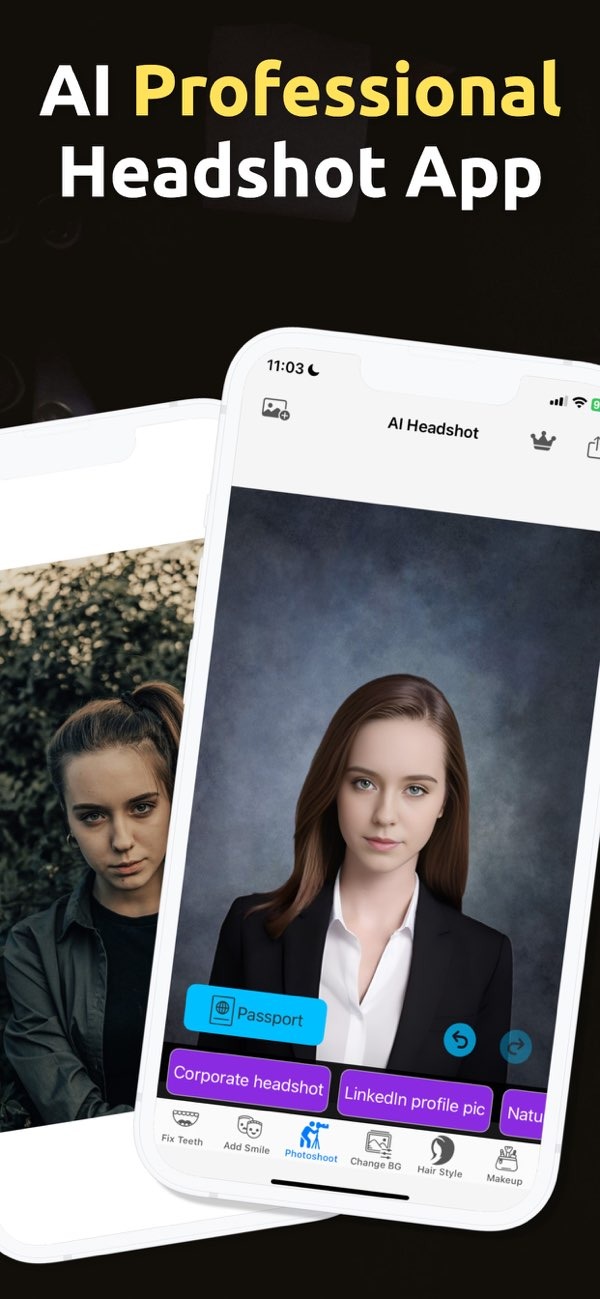
Choosing the right background for headshots is key to creating a professional image. With the PhotoToHeadshot app on iOS, you can quickly choose a background that fits your headshot. This helps your photo match your personal brand and your work needs.
 |
 |
Key Considerations for Background Selection
When selecting a background for professional headshots, think about a few main factors. These include color, texture, and context. Each one affects how professional and clear the final image looks.
Color
The background color has a strong effect on the look of a headshot. Neutral colors like white, gray, and beige are common because they work in many settings and keep attention on the subject. Still, you should also match the background to the subject’s clothing and skin tone. This helps prevent harsh contrast, color clashes, or the subject blending into the background.
Texture
Texture can add depth, but it should not pull attention away from the subject. For a professional style, a smooth and clean background is often the safest choice. Textured backgrounds can work, but they should be light and subtle. They should also fit the subject’s features and clothing.
Context
Where you will use the headshot matters. In corporate settings, a simple and clean background is usually best. In creative industries, you may have more freedom. A more expressive background can help show personality or support the brand’s identity, as long as it still looks professional.
Practical Scenarios and Examples
Real-world use cases can make background choices easier. Here are a few common scenarios to think about:
Corporate Headshots
In corporate settings, headshots are often used for LinkedIn profiles, company websites, and professional networking. A plain white or gray background is often a good fit because it looks professional and neutral.
Creative Industries
In creative fields like marketing or design, a more lively background may be a better match. This could be a soft pattern or a color that matches the brand palette. It can add personality while still keeping the image professional.
Social Media Profiles
For social media, the background can feel more casual. Even so, it should still be chosen with care. It should match the person’s personal brand and fit the tone of the platform.
 |
 |
 |
 |
Conclusion
Choosing the right background for headshots is an important step in creating a professional image. By focusing on color, texture, and context, you can create a headshot that supports your personal brand and professional goals. The PhotoToHeadshot app on iOS can support this process by giving you tools to test options and produce a strong final headshot.
Frequently Asked Questions
For more information on creating professional headshots, visit Editr Apps. To explore the features of PhotoToHeadshot, download the app on iOS here.
