
How can I make a photo collage on my iPhone?
Making a photo collage on your iPhone is simple with the Pic Stitch app. This tool lets you combine several photos into one image. It works well for sharing memories or creating visual content.

Getting Started with Pic Stitch
Pic Stitch is a popular iOS app for making photo collages. It includes features that help you build collages with many layouts and styles. First, download and install Pic Stitch from the App Store. After you install it, open the app and take a moment to learn the main screens.
Exploring the Interface
The Pic Stitch interface is easy to use and simple to navigate. When you open the app, you can choose a collage layout right away. The app includes many templates, from basic grids to more detailed designs. This range helps you match the collage to the look you want.
Selecting Photos for Your Collage
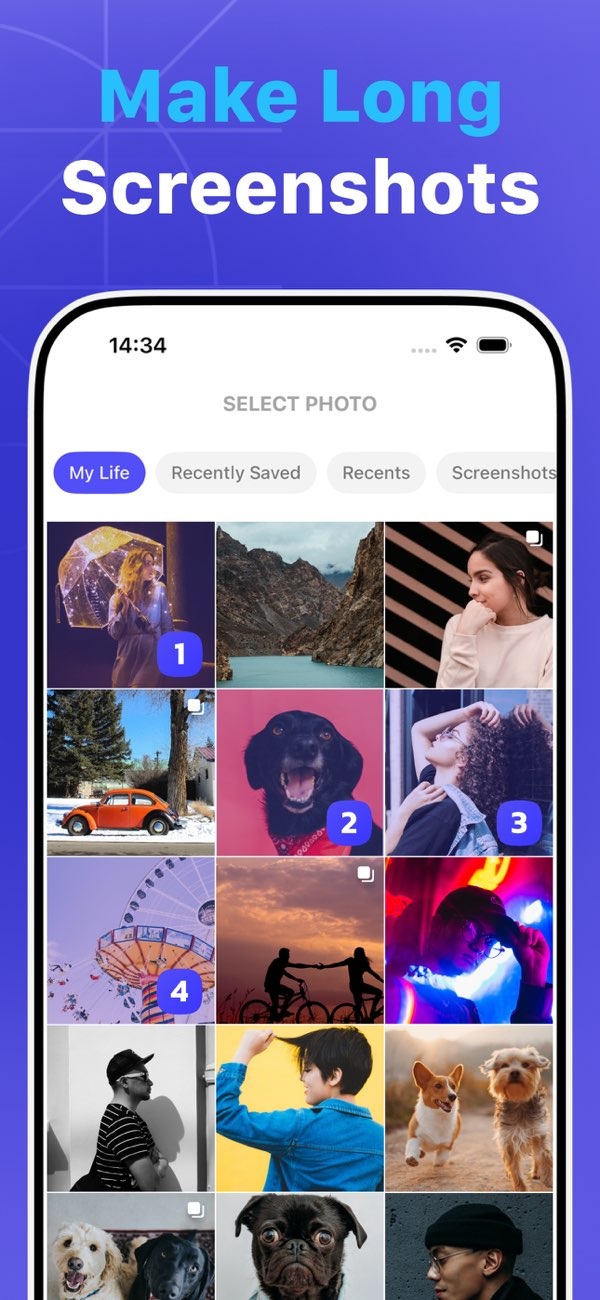
Once you pick a layout, choose the photos you want to use. Pic Stitch can open your photo library, so you can select images quickly. You can also pick several photos at the same time, which saves time. The app includes basic editing tools too. You can change the size, rotation, and placement of each photo in the collage.
Advanced Features of Pic Stitch
Pic Stitch also has advanced tools, not just basic collage features. One key feature is making long screenshots. This helps when you want to capture long chats or web pages that do not fit on one screen.

Making Long Screenshots
To make a long screenshot, use the “One Tap Web Capture” feature. It can capture a full webpage or a long chat thread as one image. Go to the content you want to capture, and Pic Stitch will stitch the images together. This is useful when you want to save detailed information or share a full view of what you see.

Image Saving Options
Pic Stitch offers several ways to save your images, so your collages stay clear. You can save in 4K quality, which is helpful for printing or for high-resolution screens. The app also supports different file formats, so you can choose what fits your needs.
Practical Scenarios for Using Pic Stitch
Photo collages can help in many situations. You might use one to record a trip, tell a story with images, or group related photos in one place. Pic Stitch gives you the tools to turn those ideas into a finished collage.
Documenting Events
For events like weddings, birthdays, or family gatherings, a collage can show the highlights in one view. Choose a few key moments and place them in a clear layout. This creates a visual summary that helps tell the story of the day.
Sharing on Social Media
Collages are common on social media. They let you share several photos in one post. With Pic Stitch, you can make collages that fit the size and style of the platform you use.
Common Mistakes and How to Avoid Them
Making a collage is usually easy, but a few issues come up often. One common mistake is adding too many photos. This can make the collage look busy and hard to read. To avoid that, pick only your strongest images and leave some open space.
Maintaining Image Quality
Another mistake is losing image quality. Use high-resolution photos when you can, and make sure each image lines up well in the frame. Pic Stitch’s editing tools can help you fit photos into the layout while keeping them clear.
Choosing the Right Layout
The wrong layout can also reduce the impact of your collage. Think about what you want the collage to show, then choose a layout that supports that goal. Try a few templates until you find one that fits your images well.
FAQs
Frequently Asked Questions
Is Pic Stitch free to use?
Pic Stitch has a free version with basic features. It also offers in-app purchases for more templates and advanced editing tools.
How do I save my collage in high quality?
To save your collage in high quality, choose the 4K option when you export the image. This helps keep the collage sharp and clear.

Can I share my collages directly from Pic Stitch?
Yes. Pic Stitch lets you share collages to social media, or send them by email and messaging apps. This makes it easy to share what you create.
What file formats does Pic Stitch support?
Pic Stitch supports several formats, including JPEG and PNG. This gives you options for sharing online or printing.
Conclusion
Making photo collages on your iPhone can be both fun and useful with Pic Stitch. You can use it to save memories, share stories, or create posts for social media. To try it, download Pic Stitch from the App Store. For more details about the app and its features, visit the developer’s website at Editr Apps.
