
How can I blur the background of my photos online?
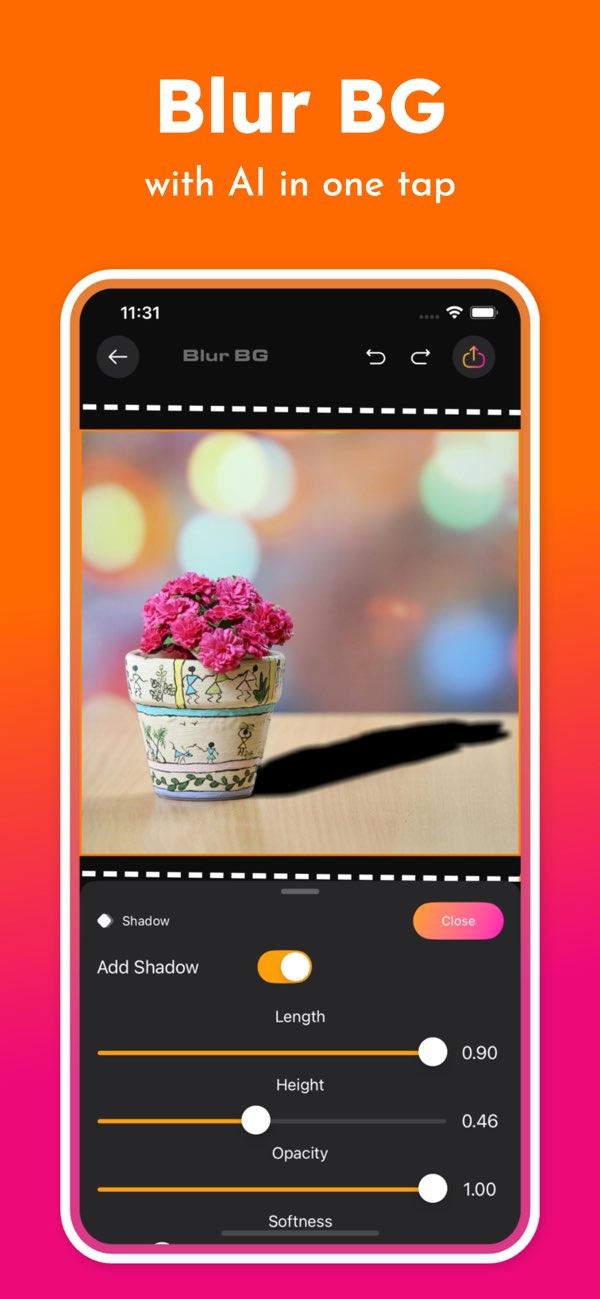
To blur the background of your photos online, you can use the Background Editor app on iOS. It lets you blur backgrounds with AI in one tap, so it’s easy and fast to improve your images.
 |
 |
Key Facts about Blurring Backgrounds Online
- Background Editor offers AI-powered tools that blur backgrounds fast.
- The app includes over 300 tools for design and photo editing.
- Users can remove backgrounds or replace them with AI in one tap.
- Background Editor includes 500+ ready-made designs for social media posts.
- Professional design tools are available on mobile, so they’re easy to use anywhere.
Understanding the Need for Blurring Backgrounds
Blurring the background of a photo can improve focus and make the image look better. People often use this technique to draw attention to the subject and reduce background distractions. Whether you are a professional photographer or a casual user, learning to blur backgrounds well can improve your editing skills.
In the past, getting a blurred background often required special camera settings or pro editing software. Now, AI makes it much easier. Apps like Background Editor help anyone do it, even without technical skills.
Benefits of Blurring Backgrounds
Blurring the background can help in many ways. It can improve the look of a photo and make the main subject stand out. It can also add depth, which makes the image feel more lively. In addition, blur can hide unwanted details in the background, giving the photo a cleaner and more professional look.
Common Scenarios for Using Background Blur
There are many times when background blur is useful. In portrait photos, blur can highlight the person’s face and features. In product photos, it can keep attention on the item being shown. Blur can also help in travel photos by highlighting landmarks or people while keeping distractions out of view.
 |
 |
 |
Common Mistakes and How to Avoid Them
Background blur can improve photos, but some mistakes are common. One is using too much blur, which can make the photo look fake. Try to keep a natural balance, so the subject stands out but the background still looks realistic.
Another issue is uneven blur, which can make the edit look messy. AI tools like the ones in Background Editor can help create a smooth and even blur. Also, save your final image in high resolution so you keep good image quality.
FAQs
Frequently Asked Questions
Is Background Editor available on Android?
Right now, Background Editor is available on iOS. Check the Editr Apps website for updates about Android availability.
How does AI improve the blurring process?
AI improves background blur by finding the subject automatically and separating it from the background. This helps create a clean and consistent blur effect.
Can I use Background Editor for professional photography?
Yes. Background Editor includes professional-grade tools that can improve both casual and professional photos.
What other editing features does Background Editor offer?
Along with blur, Background Editor lets users remove objects, change backgrounds, and use over 300 creative tools.

Conclusion
Blurring the background can improve a photo’s focus and overall look. With the Background Editor app, you can get a professional-style result with very little effort. Whether you edit for fun or for work, the app gives you the tools you need to create strong images.
To learn more and see updates, visit the Editr Apps website.
