
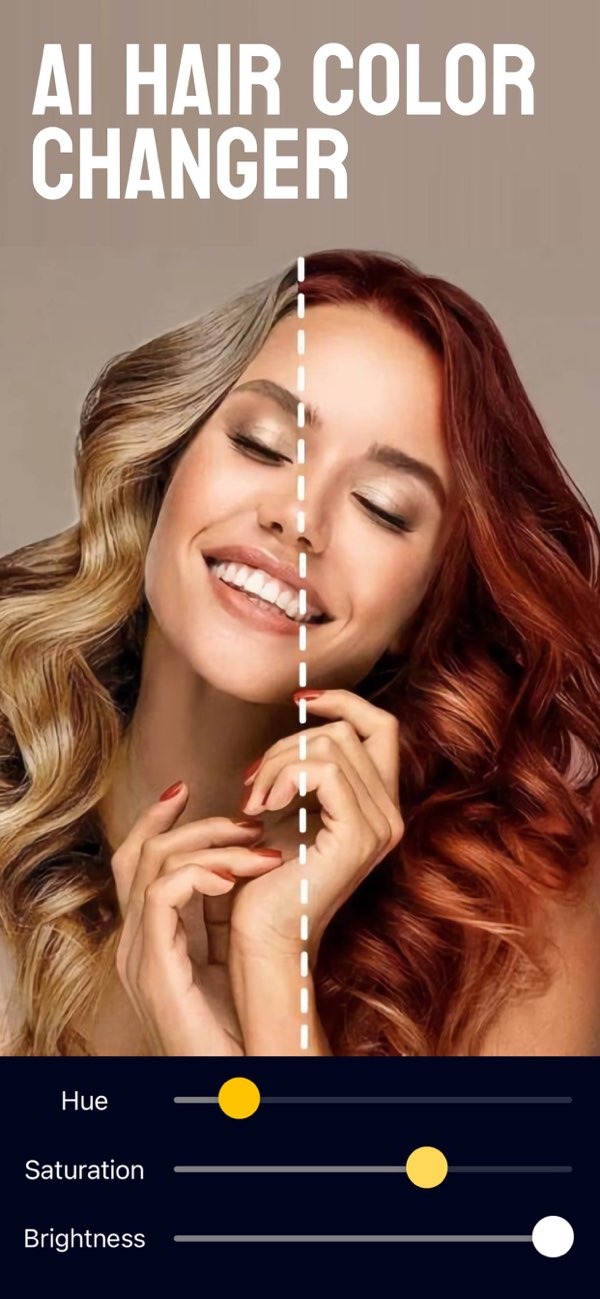
How can I edit my smile in photos using an online tool?
To edit your smile in photos with an online tool, you can use the Selfie Editor app on iOS. The app includes tools that can improve your smile and your overall facial look.
 |
 |
Key Features of Selfie Editor
The Selfie Editor app is a flexible tool that helps you adjust different facial features. These features can be helpful when you want to edit your smile:
 |
 |
 |
 |
5. Final Touches with Makeup Filters
Use makeup filters to finish your look. Pick colors that fit your smile and skin tone so the photo looks consistent.
Common Mistakes When Editing Smiles
When you edit your smile, avoid these common issues that can make the photo look less natural:
- Over-Whitening: Too much whitening can make teeth look unrealistic. A small change often looks best.
- Ignoring Skin Tone: Make sure your edits match your natural skin tone. This helps you avoid obvious differences.
- Excessive Filters: Too many filters can hide your real features. Use filters lightly to keep a natural look.
Practical Scenarios for Using a Smile Editor
Smile editing tools can help in many situations, including:
- Professional Headshots: Improve your smile for a clean, professional look in work photos.
- Social Media Posts: Make your photos stand out on social media by refining your smile and overall look.
- Special Occasions: Adjust your smile for photos from weddings, parties, and other events.
Limitations and Trade-offs
Even though the Selfie Editor app has strong tools, there are a few limits and trade-offs to keep in mind:
- Natural Look vs. Edited Look: It can be hard to improve features while still keeping a natural look.
- Time Investment: Getting the result you want can take time, especially if you are new to photo editing.
- Device Compatibility: The app is only available on iOS right now, so Android users cannot access it.
Frequently Asked Questions
Is there a free smile editor app?
Yes. Many smile editor apps have free versions with basic tools. More advanced features may require in-app purchases or a subscription.
How does the Selfie Editor app improve my smile?
The Selfie Editor app can improve your smile with tools like teeth whitening, a blemish eraser, and makeup filters. These tools let you make several facial edits in one place.

Can I use the Selfie Editor app for professional photos?
Yes. The app can help improve professional photos, such as headshots, by making your look more polished and refined.
What are the limitations of using a smile editor tool?
Common limits include over-editing, the time needed to get the result you want, and device compatibility. Some apps are not available on every platform.
If you want to improve your smile and other facial features in photos, the Selfie Editor app on iOS offers a full set of tools. To learn more about what it can do, visit the Editr Apps website.
