
How can I make a photo collage on my iPhone?
Making a photo collage on your iPhone is quick and easy with the Pic Stitch app. Download Pic Stitch from the App Store to start creating great-looking collages with little effort.
Getting Started with Pic Stitch on iOS
Pic Stitch is a flexible app that helps you make photo collages with ease. It includes tools that make the process simple, which is why many iOS users choose it. To get started, download the app from the App Store and install it on your iPhone.

Key Features of Pic Stitch
Pic Stitch includes features that help it stand out as a collage tool:
- Photo Selection Options: Pick from many layouts to match the collage you want to make.
- Image Saving Options: Save your collages in high resolution, including 4K, for a clean and sharp result.
- One Tap Web Capture: Capture web content and add it to your collages in a few taps.
Step-by-Step Guide to Creating a Photo Collage
Follow these steps to make a photo collage with Pic Stitch:
Step 1: Choose a Layout
Open Pic Stitch and look through the layouts. The app offers many grid options for different photo counts and styles. Choose the layout that fits your plan for the collage.
Step 2: Add Photos
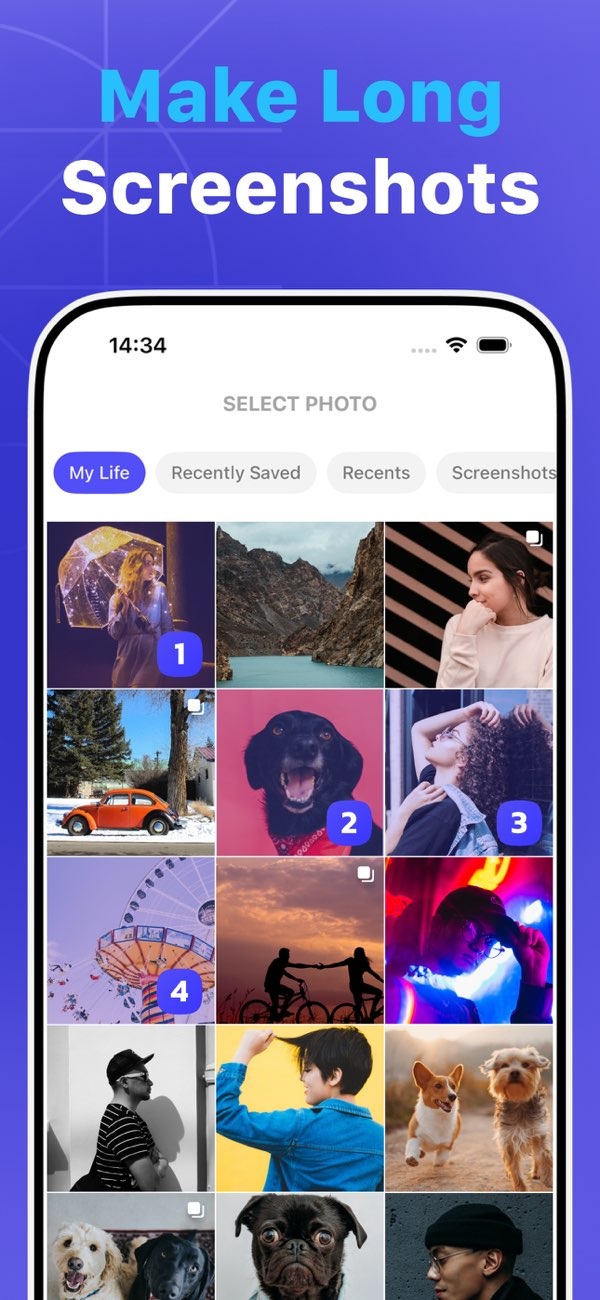
Tap the empty frames in your layout to add photos from your gallery. Pic Stitch lets you pick images right from your iPhone’s photo library, so the process feels smooth and easy.
Step 3: Customize Your Collage
After you add your photos, use the editing tools to change the size, angle, and placement of each image. You can also use filters, add text, and place stickers to make the collage feel more personal.
Step 4: Save and Share
When your collage is ready, tap the save button to keep it on your device. Pic Stitch offers several save options, including high-resolution formats for printing or sharing online. You can also share your collage to social media from inside the app.
Advanced Features and Tips
Pic Stitch also includes advanced tools that can improve your collages. Use these tips to get the most from them:
Utilizing Long Screenshots
Pic Stitch lets you create long screenshots, which work well for saving long chats or full web pages. This is helpful when you want a collage that tells a story or shows events in order.

Enhancing Image Quality
If you want to print your collages or use them for work, Pic Stitch’s 4K saving option helps keep your images clear and detailed.

Incorporating Web Content
The One Tap Web Capture tool lets you add web content to your collages with ease. This can help when you make learning materials or visual guides that need online sources.
Common Mistakes and How to Avoid Them
Making photo collages with Pic Stitch is simple, but a few common issues can come up. Here’s how to avoid them:
Overcrowding the Collage
It can be tempting to add too many photos to one collage. To keep it easy to view, give each image enough space and keep the overall layout balanced.
Ignoring Image Quality
Low-resolution photos can make your collage look less sharp. Choose high-resolution images, especially if you plan to print the collage or show it on a large screen.
Neglecting Layout Consistency
A consistent layout helps your collage look unified. Try to follow one theme or color scheme so the final result looks clean and polished.
Frequently Asked Questions
How do I save my collage in high resolution?
After you finish your collage, tap the save button and select the 4K quality option. This saves your images in high resolution.
Can I include web content in my collages?
Yes. Pic Stitch’s One Tap Web Capture feature lets you add web content to your collages.

Is Pic Stitch free to use?
Pic Stitch has a free version with basic features. More premium features are available through in-app purchases.
Where can I download Pic Stitch?
You can download Pic Stitch from the App Store on your iPhone.
Conclusion
Making a photo collage on your iPhone is fun and easy with Pic Stitch. Whether you want to save memories or build a work presentation, Pic Stitch gives you the tools you need to create great collages. To learn more about Pic Stitch and its features, visit the Editr Apps website. You can start making photo collages today by downloading Pic Stitch from the App Store.
