
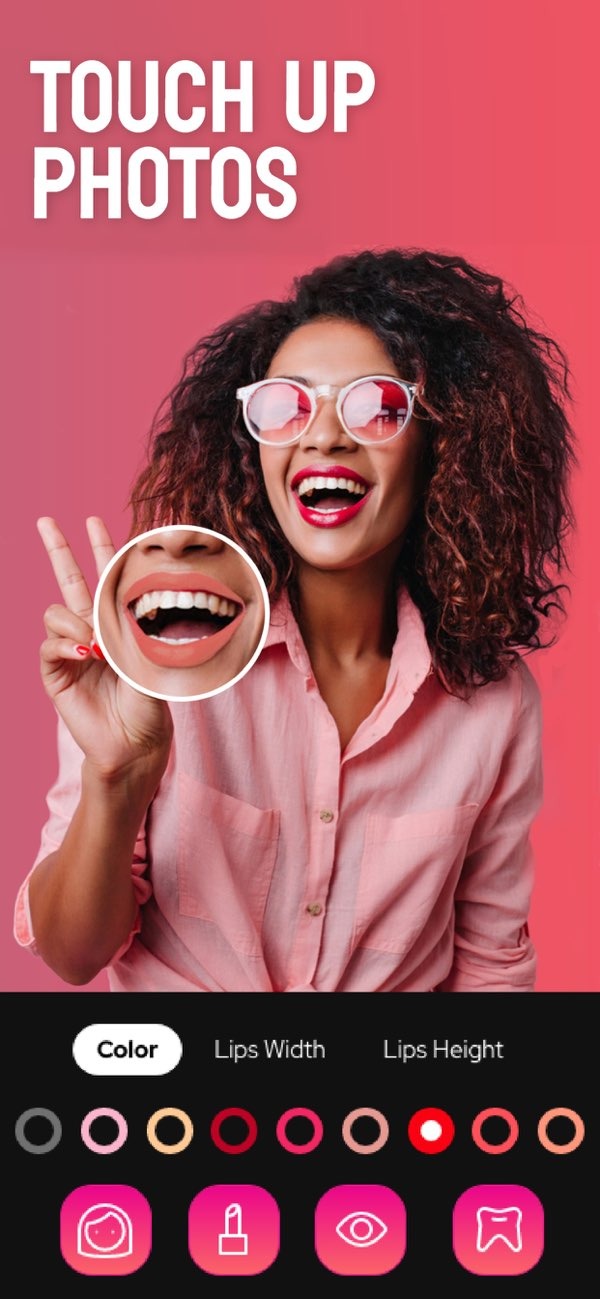
How can I edit my photos to enhance facial features?
To enhance facial features in your photos, you can use the Selfie Editor app on iOS. It offers many tools to retouch and refine your images. The app includes teeth whitening, blemish removal, and AI-based hair color changes. These tools can help you create a clean, professional look.
Key Features of Face Editing Apps
Face editing apps have changed how we improve photos. They offer tools that help you adjust your image with little effort. A face editor app often includes teeth whitening, blemish removal, and facial contouring. These features aim to enhance your natural look while keeping the photo realistic.
 |
 |
For example, the Selfie Editor app includes a teeth whitening tool that you can adjust. This helps you brighten your smile without making it look too strong. The blemish eraser tool lets you change brush size and strength. This makes it easier to remove spots while keeping skin texture. The app also includes a double chin remover. It has shadow and chin sliders that help refine your jawline.
Enhancing Facial Features: Step-by-Step Guide
Teeth Whitening
Teeth whitening is a common tool in face editing apps. To use it well, choose the teeth whitening option in the Selfie Editor app. Then move the intensity slider until you reach the brightness you want. Try not to whiten too much, since that can look unnatural. In most cases, a small change looks best and still feels realistic.
Blemish Removal
The blemish eraser tool helps you create a clear, even complexion. Start by selecting the blemish removal tool in the app. Set the brush size to match the blemish you want to remove. Then use the intensity slider to control how much the app removes. This tool works well for acne, scars, and other skin marks.
 |
 |
 |
 |
 |
 |
 |
Explore the features of the Selfie Editor app on iOS to start enhancing your photos today. For more information on photo editing tools, visit Editr Apps.
