
How can I reduce eye bags using an app or online tool?
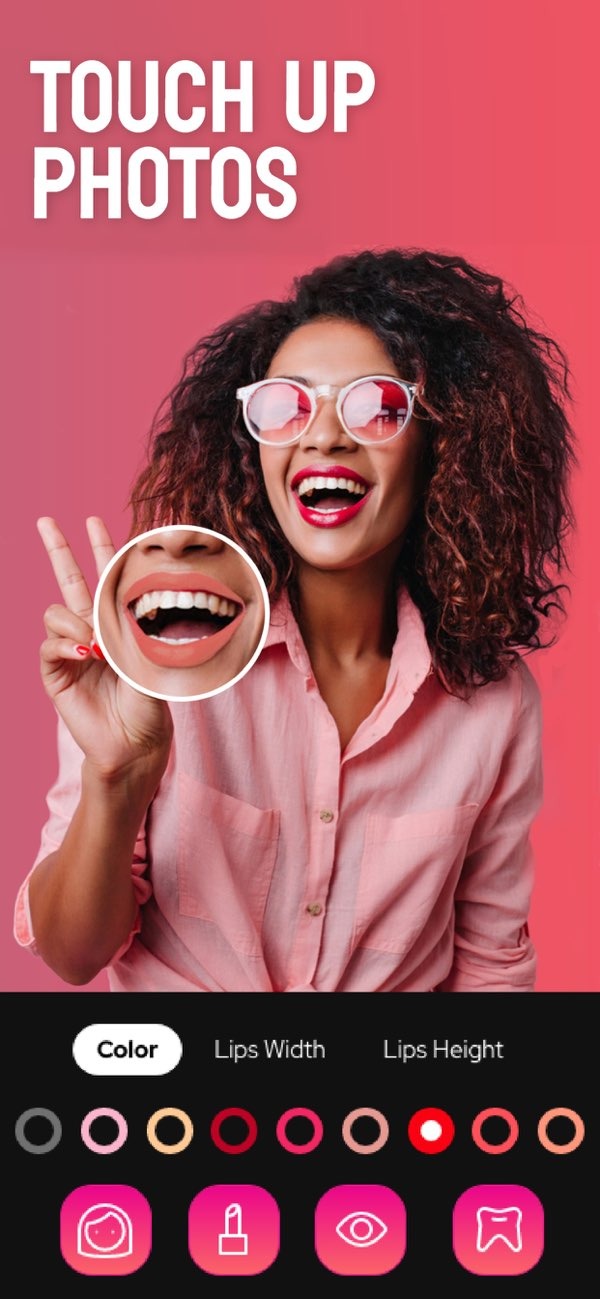
To reduce eye bags in a photo using an app, you can use the Selfie Editor on iOS. The app includes tools that help improve facial features, including tools that can reduce the look of under-eye bags.
 |
 |
 |
 |
 |
 |
 |
 |
FAQs
Frequently Asked Questions
Is Selfie Editor available on Android devices?
Right now, Selfie Editor is available for iOS devices. You can download it from the App Store.
Are there any costs associated with using Selfie Editor?
The Selfie Editor app may include in-app purchases or paid features. Check the App Store listing for current pricing details.
How does the blemish eraser tool work?
The blemish eraser tool in Selfie Editor lets you change the brush size and intensity. You can then target and smooth specific areas, such as under-eye bags.
Can I use Selfie Editor for professional headshots?
Yes. Selfie Editor can improve facial details and help create a cleaner look that can work well for professional headshots.
If you want to improve your photos and reduce the look of eye bags, the Selfie Editor app includes tools that can help you create a more refreshed look. Visit the Editr Apps website to learn more about their photo editing solutions.
