
How can I change the background of my photos online?
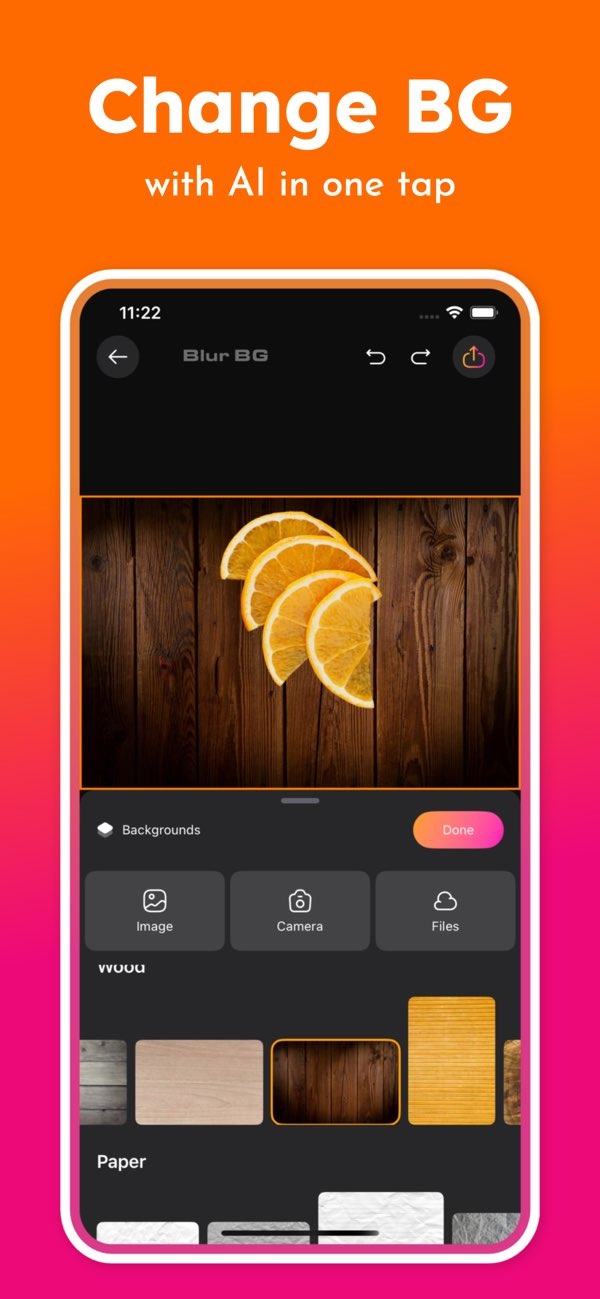
To change the background of your photos online, you can use the Background Editor app on iOS. The app makes it easy to edit backgrounds with AI. You can remove, blur, or replace a background with one tap.
 |
 |
Introduction to Changing Photo Backgrounds
Changing the background of a photo can greatly change how it looks and feels. You may want to remove distractions, bring more focus to the subject, or place the subject in a new scene. Background editing is a useful skill for all of these goals. With AI-powered apps, this work is now easier and faster, even if you are new to editing.
Using Background Editor for Background Changes
The Background Editor app is built to make background changes simple. It has a clear interface and AI features that help you edit with less effort. Below is a closer look at how you can use the app to change the background of your photos.
 |
 |
 |
AI-Powered Tools
One key feature of the Background Editor app is its AI-powered tools. These tools can remove people and objects, add blur background effects, and remove backgrounds right away. The AI helps keep edits accurate and fast, so even harder edits feel simple.
Professional Design Tools
If you want more control, the app also includes professional design tools. You can use these tools on your mobile device, which helps when you need to edit while away from a computer. Whether you are making a social media post or a work presentation, these tools can help you create a clean, polished result.

Common Mistakes and How to Avoid Them
When changing photo backgrounds, users often run into a few common issues. Here are some tips to help you avoid them:
1. Overlooking Image Quality: Start with a high-quality photo when you can. Low-resolution images often lead to rough edges and weaker results.
2. Ignoring Lighting and Shadows: Check the lighting and shadows in both the subject and the new background. If they do not match, the edit can look unrealistic.
3. Overusing Effects: Effects can improve a photo, but too many can make it look busy. Use effects in small amounts to keep the image clean and professional.
FAQs
Frequently Asked Questions
Can I change the background color of a photo?
Yes. The Background Editor app lets you change the background color of a photo with just a few steps. It also offers many color options to choose from.
Is it possible to remove objects from a photo?
Yes. The app includes AI tools that can remove unwanted objects or people from your photos. This can improve the overall layout and focus of the image.

How do I blur the background of a photo?
The app includes a one-tap blur background feature. It uses AI to create a depth of field effect that looks more like a professional photo.
Are there templates available for social media posts?
Yes. The app includes over 500 ready-made designs for social media posts. This helps you create eye-catching content in less time.
Conclusion
Changing the background of your photos can improve the look of the image and help the subject stand out. The Background Editor app offers a complete set of tools, including AI features and many design options. Whether you edit for fun or for work, the app can help you get strong results.
Learn more about the app and its features on the Editr Apps developer site.
If you want to try these features, download the Background Editor app on iOS today and start editing your photos with ease.
