
How can AI enhance or edit my work photos?
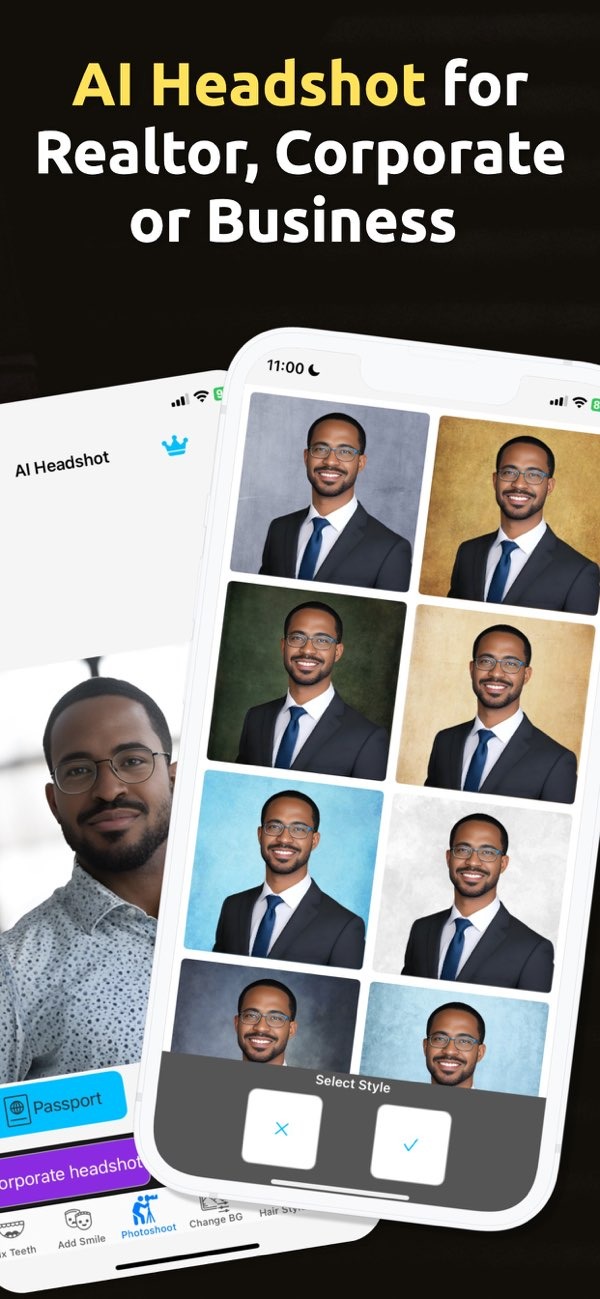
AI technology can enhance or edit your work photos by using advanced algorithms to improve image quality, fix lighting, and create professional headshots. One useful tool for this is PhotoToHeadshot on iOS, which includes features for making high-quality business photos.
 |
 |
 |
 |
 |
The app is helpful for images used on business cards, resumes, and LinkedIn profiles. By using AI to improve these photos, users can keep their professional image consistent and polished. The app also includes several size options, so it can fit different professional requirements.

Step-by-Step Guide to Using PhotoToHeadshot
- Download and install PhotoToHeadshot on iOS.
- Open the app and choose the type of photo you need (for example, passport, resume, or LinkedIn).
- Upload a photo or take a new one with the app’s camera feature.
- Let the AI process the image and improve the lighting and background automatically.
- Review the final image and make extra changes if needed.
- Save the image to your device or share it directly from the app.
Common Mistakes and Limitations
AI photo generators like PhotoToHeadshot offer many benefits, but users should watch for common mistakes. A frequent issue is trusting the AI result without checking it. Always review the final photo to confirm it matches your needs. If needed, make manual changes.
Another limitation is that AI may not handle complex backgrounds or difficult lighting perfectly. In those cases, you may need to step in and adjust the image. Also, while AI can improve photos a lot, it cannot replace a good original photo.
Trade-offs in AI Photo Enhancement
AI photo enhancement comes with trade-offs. It is fast and convenient, but the result may not have the same detailed touch as a professional photographer’s work. Users often need to balance speed and ease of use with the option to make manual edits for the best outcome.
FAQs
Frequently Asked Questions
How does AI improve photo quality?
AI improves photo quality by adjusting lighting, background, and facial details to create a cleaner, more professional image.
Can AI create a professional headshot from a casual photo?
Yes. AI can turn a casual photo into a professional headshot by improving lighting and background and refining facial details.
Is PhotoToHeadshot suitable for creating business card images?
Yes. PhotoToHeadshot is built to create high-quality images for business cards, resumes, and LinkedIn profiles.
What should I do if I’m not satisfied with the AI-enhanced photo?
If you are not satisfied with the AI-enhanced photo, try manual adjustments or use a different original photo to get a better result.
Conclusion
AI technology provides a strong way to enhance and edit work photos, with professional results and little effort. Tools like PhotoToHeadshot on iOS support many professional needs, from passport photos to business headshots. By using AI, people can keep a polished and consistent professional image across platforms.
To learn more about AI photo enhancement tools, visit the developer’s main site at Editr Apps.
