How can I align audio with video seamlessly?
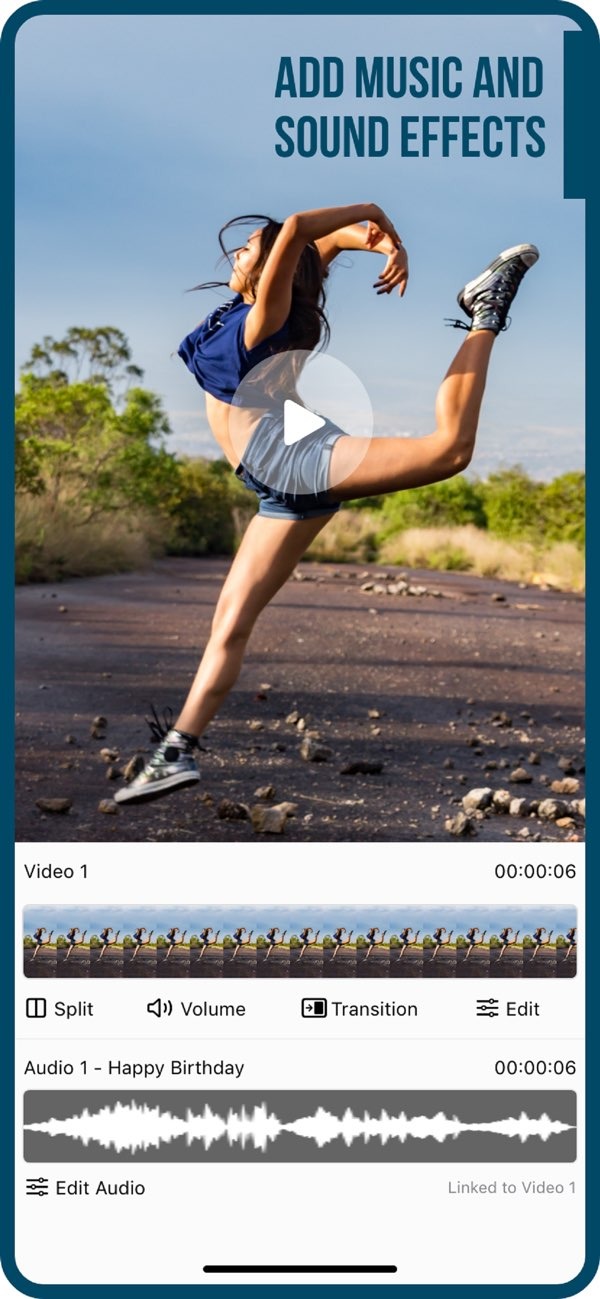
To align audio with video seamlessly, you can use the Add Music to Video app on iOS. The app lets you add music and sound effects to your videos and keep them in sync.
 |
 |
Key Facts About Syncing Audio with Video
- Syncing audio with video improves the viewing experience because sound effects and music match what happens on screen.
- The Add Music to Video app includes AI Subtitle in 1 Tap, which helps you add subtitles that follow your audio.
- With over 3 million downloads, this app is a trusted tool for video creators who want to improve their content.
- Users can pick from a large collection of sound packs and transition effects to improve their videos.
- Exporting and sharing your synced videos on social media is simple with this app.
Understanding the Importance of Audio-Video Synchronization
Audio-video synchronization matters when you want content to feel clear and professional. If the audio does not match the video, it can distract viewers and lower the overall quality. When audio is in sync, dialogue, sound effects, and music support the visuals and create a smooth, immersive experience.
For creators, getting clean audio-video sync can be hard without the right tools. The Add Music to Video app makes the process easier with simple features that help you line up audio tracks with video clips. This is useful for both new and experienced editors who want to produce high-quality videos.
Common Challenges in Audio-Video Synchronization
A common problem is lag between audio and video. This can happen because of different frame rates or timing issues during editing. Another challenge is matching background music to exact moments, such as transitions or key events in the video.
An app like Add Music to Video can reduce these issues by offering clear controls made for accurate sync. You can adjust timing, add transitions, and choose from many sound effects so the audio matches the video closely.
 |
 |
 |
Limitations and Trade-offs in Audio-Video Synchronization
Tools like Add Music to Video make syncing easier, but there are still limits and trade-offs. For example, complex projects with many audio tracks may need more advanced editing software. Also, getting perfect sync can take some trial and error, especially if you are new to editing.
Still, the app’s simple interface and large sound library make it a strong option for most projects. It offers a good balance of ease of use and helpful features, so it works well for many users.
Frequently Asked Questions
Can I use Add Music to Video for professional projects?
Yes. The app includes features that work for both amateur and professional projects, such as a large sound effects library and tools for precise audio alignment.
How do I ensure my audio is perfectly synchronized with video?
Use the timeline to fine-tune audio timing, and always preview the video before exporting to confirm the sync.
Are there any costs associated with using Add Music to Video?
The app is free to download, but it may include in-app purchases for extra features and sound packs.
 |
 |
Is Add Music to Video available on Android devices?
Right now, Add Music to Video is available on iOS devices. Check the app store to see if it is available on other platforms.
For more information and to explore additional features, visit the Editr Apps website.
If you’re ready to improve your videos with synced audio, download the Add Music to Video app on iOS today.