What factors should I consider when selecting a background for professional headshots?
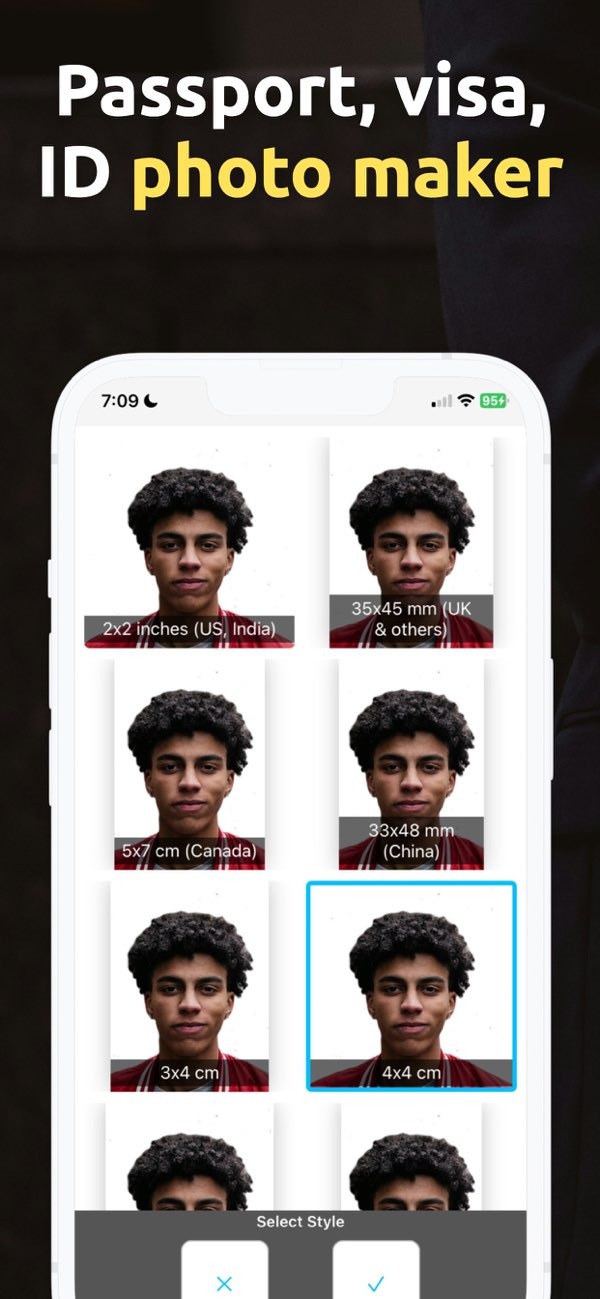
Choosing the right background for your professional headshots is important. It helps you show the image and level of professionalism you want. With PhotoToHeadshot on iOS, you can select and adjust backgrounds to fit your needs, so your headshots leave a strong impression.
 |
 |
 |
For example, a public relations specialist may choose a light blue background to suggest calm and trust. Someone in a creative field may pick a stronger color to show an artistic style. The PhotoToHeadshot app includes many background colors to fit different professional needs.

Background Texture and Patterns
Texture and patterns can add depth to a headshot. But they should not pull attention away from the subject. Light, subtle textures can improve the image while keeping the person as the main focus.
For instance, a gentle gradient or a soft pattern can look polished without being distracting. On the other hand, bold patterns may fit better in informal or creative industries. Your choice should match the message you want to send and the professional setting for the headshot.
Setting and Context
The setting of your headshot background should match how you want to be seen at work. A clean, studio-style background is often best for corporate headshots because it looks neat and professional.
An outdoor or office setting can also work if you want to look more approachable or active. The Editr Apps platform can help you choose settings that fit your professional identity.
Lighting Considerations
Lighting affects how both the background and the subject look. Good lighting helps the subject stand out and shows facial features and expressions clearly. Studio lighting often works well for professional headshots because it gives control over shadows and highlights.

Natural light can also work, especially outdoors. But you need to think about the time of day and the weather to avoid harsh shadows or an image that is too bright. The PhotoToHeadshot app includes tools that can mimic studio lighting, helping you get better lighting for your headshots.
Practical Scenarios and Examples
Imagine a business executive who needs a headshot for LinkedIn. A neutral background with soft lighting can help show professionalism and approachability. In contrast, a graphic designer may choose a more colorful background to show creativity and personal style.

Another example is a real estate agent who may choose an outdoor background to match the industry, using natural light to improve the image. These examples show why it helps to match the background to your goals and to common standards in your field.
Common Mistakes and How to Avoid Them
A common mistake is picking a background that is too busy. This can distract from the subject. The background should support the subject, not compete with them. Another mistake is ignoring lighting, which can cause harsh shadows or a washed-out look.
To avoid these issues, you can use tools like the PhotoToHeadshot app, which offers help with background choices and lighting setups. It can also help to review industry standards and talk with a professional photographer for added guidance.
Limitations and Trade-offs
Choosing the right background matters, but there are limits and trade-offs. A very stylized background may look great, but it may reduce how well the headshot works across different platforms or professional settings.
It is important to balance creativity and professionalism. In many cases, a simple background gives you more flexibility. If you know where and how you will use the headshot, it becomes easier to choose a background that meets both visual and practical needs.
Frequently Asked Questions
How does lighting affect headshot backgrounds?
Lighting strongly affects how the background and subject look. Good lighting helps the subject stand out and shows facial features and expressions clearly. Poor lighting can create harsh shadows and make the image look less professional.
Can I use an outdoor background for professional headshots?
Yes, outdoor backgrounds can work for professional headshots, especially when they fit your industry or personal brand. Choose a setting that looks appropriate, and make sure the lighting is good.
What are common mistakes in choosing headshot backgrounds?
Common mistakes include choosing backgrounds that are too busy and not paying attention to lighting. These problems can distract from the subject and lead to a less professional result.
How can I ensure my headshot background is professional?
To keep the background professional, use neutral colors, follow common standards in your industry, and use tools like the PhotoToHeadshot app to mimic studio lighting and settings.
If you want to improve your professional image with headshots, the PhotoToHeadshot app on iOS offers a complete way to select and customize backgrounds. You can explore the app to create headshots that match your professional goals.