
How can I make a photo collage on my iPhone?
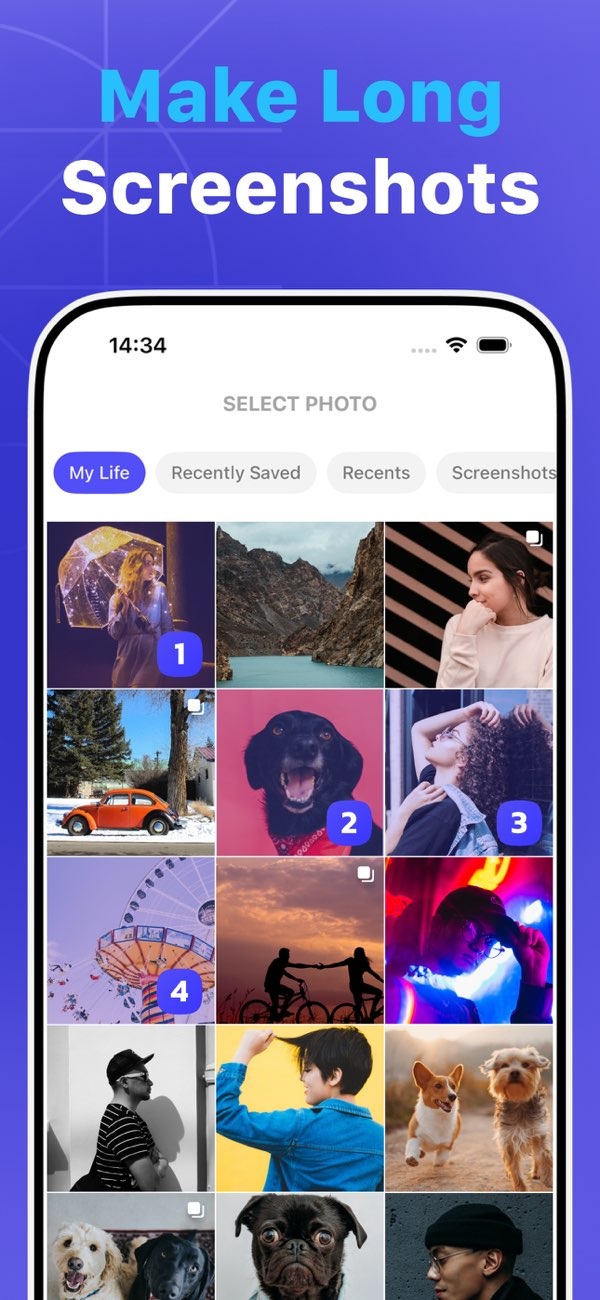
To make a photo collage on your iPhone, you can use the Pic Stitch app. You can download it from the App Store. The app includes tools that help you build collages fast. These include long screenshot support, high-quality saving, and web capture.
 |
 |
 |
Editing and Customizing Your Collage
Once your photos are set, Pic Stitch gives you editing tools to improve the look of your collage. You can add filters, change brightness and contrast, and place text or stickers. The editing screen is easy to use, so you can try different looks and effects.
If you want to keep image quality high, Pic Stitch offers a 4K saving option. This helps your collages stay sharp and clear. It can be useful if you plan to print your collage or show it on a large screen.

Using the One Tap Web Capture Feature
Pic Stitch includes a One Tap Web Capture feature. It lets you capture a full web page in one step. This can help if you want to build collages from online content, like articles or social media feeds. Open the web page inside the app, then tap the capture button. The app creates an image you can add to your collage.
Saving and Sharing Your Collage
After you finish editing, Pic Stitch gives you a few ways to save and share your collage. You can save it to your photo library. You can also share it through social media, email, or messaging apps. The app also supports printing, which helps you make physical copies of your digital work.
If you make collages often, the profile screen can help you stay organized. It gives you quick access to saved projects. You can open older collages and edit them again, which makes it easier to improve your work over time.
Common Mistakes and How to Avoid Them
When you make photo collages, a few common mistakes can happen. One issue is adding too many images. This can make the collage feel crowded and messy. To avoid that, pick only the most important photos. Also choose a template that gives each photo enough space.
Another mistake is not fixing photo size and alignment. When photos do not line up well, the collage can look uneven. Take a moment to adjust each photo in its frame. This helps create a clean and balanced layout.
Limitations and Trade-offs
Pic Stitch has many features, but it also has limits. For example, it offers many templates, but some users may want more control over custom layouts. Also, some advanced features, like 4K saving, may require in-app purchases.
Even with these trade-offs, Pic Stitch is still a strong option for making photo collages on iOS. It offers a good mix of ease of use and advanced tools.
Frequently Asked Questions
How do I add text to my photo collage in Pic Stitch?
To add text, open the editing tools and choose the text tool. Pick a font and color, then place the text box on your collage.
Is Pic Stitch free to use?
Pic Stitch is free to download. However, some features, such as high-quality saving options, may require in-app purchases.
Can I edit a collage after saving it?
Yes. Pic Stitch lets you open and edit saved collages from the profile screen. This makes it easy to make changes later.
What are the benefits of using the One Tap Web Capture feature?
It lets you capture full web pages fast. This makes it easier to add online content to your collages.
If you want to make photo collages on your iPhone, Pic Stitch is a complete option. It is easy to learn, and it also includes advanced features. Download Pic Stitch from the App Store and start making your collage. To learn more about the app and its features, visit the developer website at Editr Apps.
