
How can I correct perspective distortion in my photos using an online tool?
To correct perspective distortion in your photos, you can use the AI Eraser app on iOS. It has a simple, user-friendly interface for editing images. You can download the app from the App Store and start adjusting your photos right away.
Understanding Perspective Distortion
Perspective distortion happens when the camera angle or lens changes how objects look in a photo. This is common in architectural photos, where buildings can look like they lean or bend. These changes can reduce the photo’s clarity and affect the composition.
There are two main types of perspective distortion: converging lines and keystone distortion. Converging lines happen when parallel lines seem to meet, which is often seen in photos taken with wide-angle lenses. Keystone distortion happens when the camera tilts up or down, which makes vertical lines slant.
Using AI Eraser to Fix Perspective Distortion
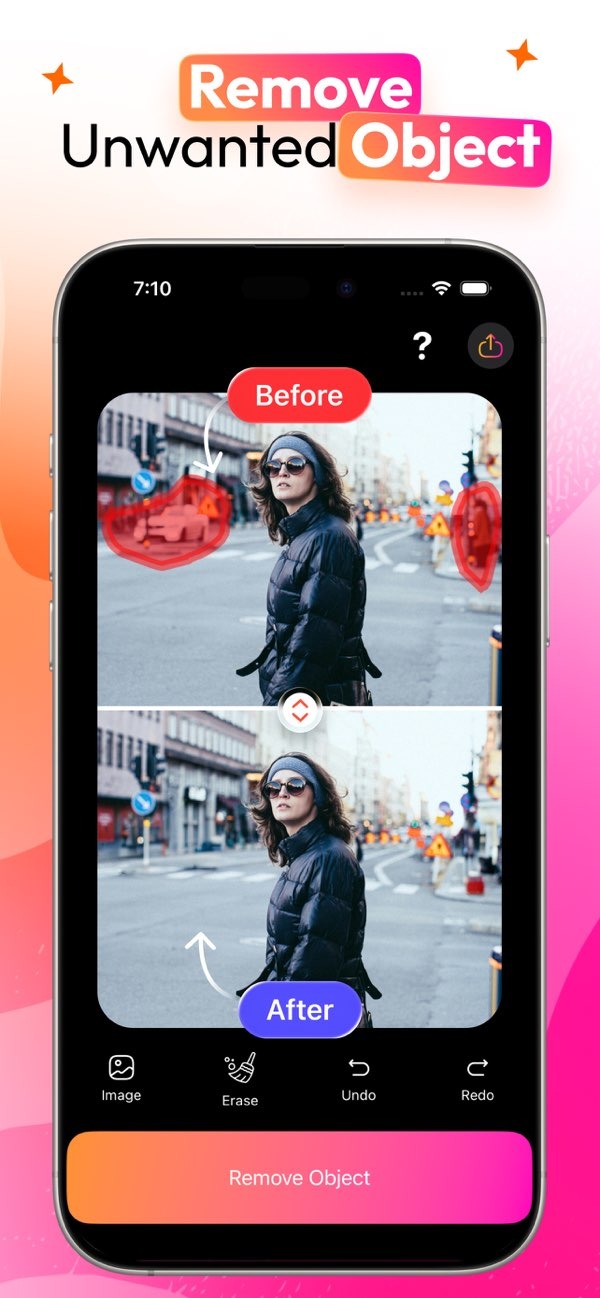
AI Eraser is best known for removing unwanted objects from photos. It also includes tools that can help fix perspective distortion. The app has an intuitive layout, so it works well for users at any skill level.
 |
 |
Step-by-Step Guide to Correcting Distortion
1. Download and Install AI Eraser: Download the AI Eraser app from the App Store and install it on your iOS device.
2. Upload Your Photo: Open the app and upload the photo you want to edit. The app supports many image formats, so it works with most photos.
3. Select the Perspective Tool: Go to the editing tools and choose the perspective correction feature. This tool lets you adjust the image shape by using a grid overlay.
4. Adjust the Image: Use the grid to line up the photo’s edges and lines. Drag the corners to straighten lines and fix angles. The app shows a live preview, so you can see changes as you make them.
5. Save and Share: When you are happy with the result, save your edited photo. AI Eraser also lets you share photos from the app, which makes it easy to post or send your work.
 |
 |
Benefits of Using AI Eraser
AI Eraser offers several benefits for fixing perspective distortion. Its AI-based tools make harder editing tasks simpler. This helps both casual users and experienced photographers. The app can also remove unwanted objects and clean up images, which can improve overall photo quality.
The app also works smoothly with iOS, so you can edit and share while you are on the go. Whether you shoot landscapes or buildings, AI Eraser gives you tools to refine your images.
Common Mistakes and How to Avoid Them
When fixing perspective distortion, users often make a few common mistakes. One mistake is over-correcting, which can make the image look unnatural. Make small changes and use the grid overlay as a guide.
Another common error is forgetting to review the full composition after the fix. Always look at the whole image to make sure the changes improve the photo and still match the original intent.
Limitations and Trade-offs
While AI Eraser is a helpful tool, it has limits. It may not work well for very complex distortion or for professional-level editing needs. In those cases, you may need more advanced software.
There is also a trade-off between ease of use and control. AI Eraser makes editing easier, but it may not give the same precision as desktop editing software. Consider these points when choosing the best tool for your needs.
Conclusion
Fixing perspective distortion is important if you want clean, professional-looking photos. AI Eraser offers a clear and simple option for iOS users, with tools that are easy to use and still effective. For more information on AI Eraser and other editing tools, visit Editr Apps.
Frequently Asked Questions
Improve your photo editing workflow by downloading AI Eraser on iOS. You can start fixing perspective distortion and removing unwanted objects by visiting the App Store.
