
What App Can I Use to Edit and Enhance My Teeth in Photos?
If you want to enhance your smile in photos, the Selfie Editor app on iOS is a solid option. It includes teeth whitening and other photo editing tools to help you get the look you want.
 |
 |
 |
 |
 |
Teeth Whitening
The teeth whitening feature in Selfie Editor lets you change how bright and white your teeth look. It can reduce the look of stains and discoloration, which can make your smile look brighter. You can also adjust the strength of the effect so the result still looks natural.
Blemish Eraser
The blemish eraser tool helps you remove small flaws from your photos. It has settings for brush size and strength, so you can make careful edits. Whether you are fixing a small spot or a larger area, this tool can help you create a smoother image.

Double Chin Remover
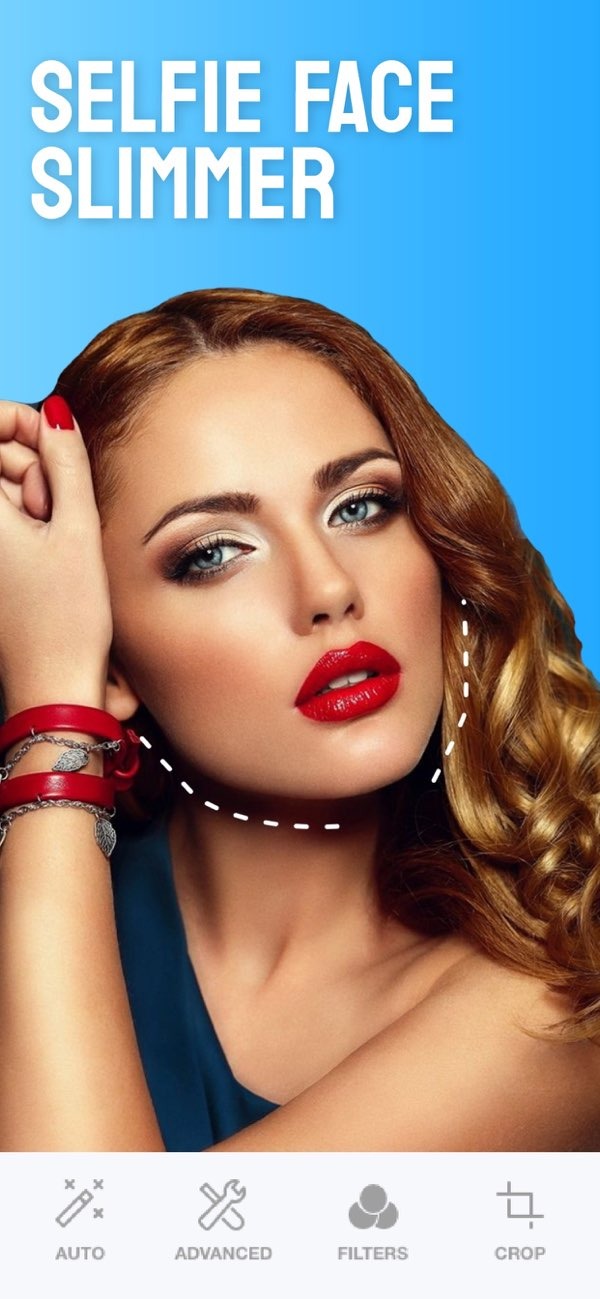
The double chin remover includes sliders for chin shape and shadow. These controls can help refine the jawline and improve facial contours. This feature is useful if you want a slimmer look in photos.

AI Hair Color Changer
Selfie Editor also includes an AI hair color changer. You can try different hair colors by adjusting hue and saturation. This adds a creative option to your photo editing.

Makeup Filters
Selfie Editor offers makeup filters in several colors. These filters can highlight facial features and add a more polished look. You can choose a light change or a stronger style, depending on what you prefer.

How to Use Selfie Editor for Teeth Photo Editing
Using Selfie Editor to improve your teeth in photos is simple. Here is a step-by-step guide:
- Download and install the Selfie Editor app on your iOS device.
- Open the app and choose the photo you want to edit.
- Go to the teeth whitening tool and adjust the settings until you reach the brightness you want.
- Use the blemish eraser to remove any marks or spots near the mouth.
- Try other tools, such as the double chin remover and makeup filters, to improve the full look of the photo.
- Save the edited photo and share it on your preferred social media platforms.
Benefits of Using Teeth Photo Apps
Teeth photo apps have several benefits, which is why many people use them. Here are some advantages:
- Enhanced Appearance: These apps help improve your smile, which can make photos look more polished and professional.
- Ease of Use: Most apps, including Selfie Editor, are easy to use and do not require advanced editing skills.
- Cost-Effective: Compared to professional photo editing services, these apps can be a lower-cost way to improve photos.
- Creative Control: You can adjust settings and try different looks, which gives you more control over the final result.
Common Mistakes When Using Teeth Photo Apps
Teeth photo apps are simple, but some common mistakes can affect results. Avoid these issues for better-looking edits:
Over-Whitening
A common mistake is whitening teeth too much, which can look unnatural. Use the whitening tool lightly and lower the intensity when needed to keep the result realistic.
Ignoring Other Facial Features
If you only edit teeth, the rest of the face may not match the new look. It helps to take a balanced approach and consider other edits, such as light skin smoothing or makeup filters, to keep the photo consistent.
Overuse of Filters
Filters can improve a photo, but too many filters can make it look fake. Use filters in a subtle way and adjust the strength so they fit the natural look of the image.
Limitations and Trade-offs
Teeth photo apps can be helpful, but they also have limits and trade-offs:
First, these apps can improve how teeth look in photos, but they cannot replace professional dental care. Do not depend on photo editing for dental problems that need a dentist.
Also, while apps like Selfie Editor include many tools, they may not offer the same detail as professional editing software. If you need very precise edits, you may want to look at other software options.
Frequently Asked Questions
If you want an easy way to enhance photos, you can download the Selfie Editor app on iOS. Visit Editr Apps for more information on their range of photo editing tools.
