
How can I change the background of a photo online?
To change the background of a photo online, you can use the Background Editor on iOS. The app has a simple interface for editing images. It lets you remove, blur, or replace backgrounds using AI tools.
 |
 |
Understanding Photo Background Editing
Photo background editing means changing what appears behind the main subject in an image. You might blur the background, remove it, or swap it for a new one. Thanks to newer AI features, these edits are now easier and faster for many people.
Why Change a Photo Background?
People change photo backgrounds for many reasons. You may want a clean, professional look for a business profile. You may want to improve personal photos for social media. You can also remove items that pull attention away from the subject. Another reason is creativity, such as placing a person in a different setting.
 |
 |
Common Tools for Background Editing
Many tools can edit photo backgrounds. Traditional software like Adobe Photoshop has many features, but it can feel hard to learn at first. Online tools and apps like the Background Editor focus on ease of use. They also use AI, so you can edit photos without deep technical skills.
Using the Background Editor App
The Background Editor app aims to make background editing simple with AI. It includes tools that help you edit photos right on your mobile device.

Key Features of Background Editor
- AI Background Removal: Remove the background from a photo with one tap.
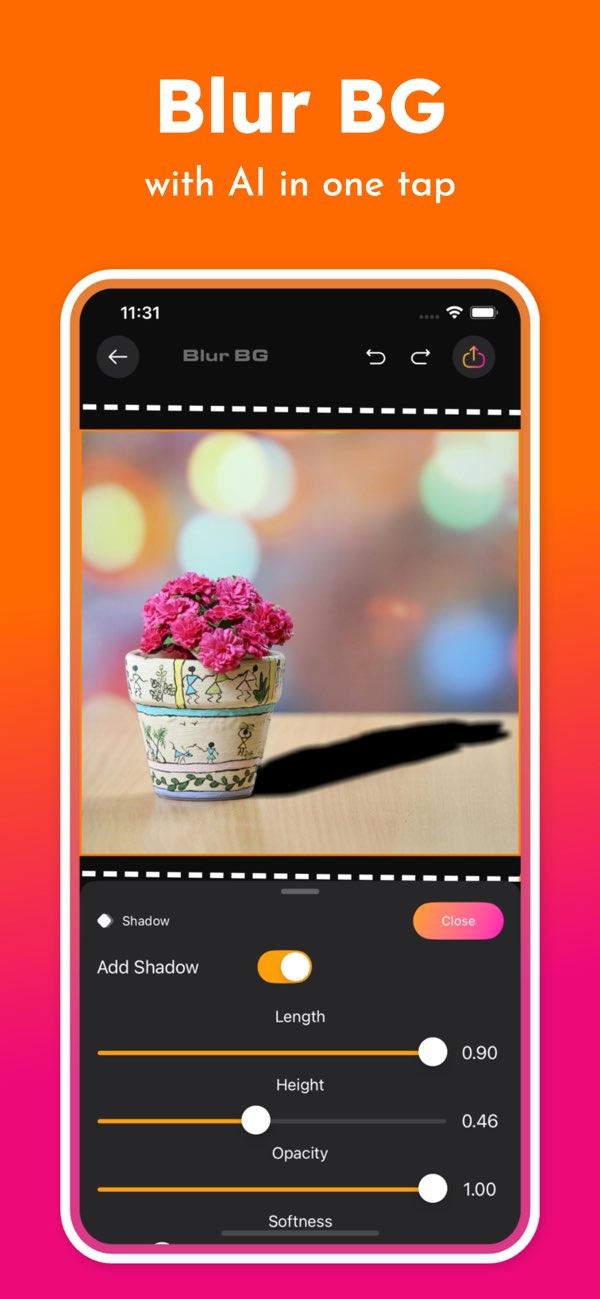
- Background Blur: Blur the background with AI so the main subject stands out.
- Background Change: Replace the current background with a different one with little effort.
- Design Tools: Use 300+ tools and 500+ ready-made designs for social media posts.
How to Change a Photo Background Using the App
To change a photo background using the Background Editor app, follow these steps:
- Download and install the Background Editor on iOS.
- Open the app and choose the photo you want to edit.
- Select the tool you need: remove, blur, or change the background.
- Use the on-screen steps to apply your changes.
- Save the edited photo to your device, or share it on social media.
Advantages of Using AI for Background Editing
AI can improve photo editing by handling tasks that used to take more time. This can save time and help you get consistent results. AI tools can also find edges and objects with good accuracy, which can make editing feel smoother.
Practical Scenarios for Background Editing
Imagine you want a professional headshot, but you only have a casual photo. With Background Editor, you can remove the casual background and replace it with a more fitting one. This can give the photo a cleaner, more polished look. In the same way, if a photo includes unwanted objects or people, the app can help you remove those distractions.

Limitations and Trade-offs
Even with AI, results are not always perfect. Complex backgrounds, fine details, or overlapping objects can be harder to edit. You may need to make manual changes to improve the final image. Also, while the app includes many design options, it may not match everything that professional desktop software can do for detailed editing work.
FAQs
Frequently Asked Questions
Is the Background Editor app available for Android?
Right now, the Background Editor app is available on iOS. Android users may need to find other apps that offer similar features.
How does AI improve photo background editing?
AI helps by automating steps like object detection and background removal. This can make editing faster and more accurate.
What types of backgrounds can I add using the app?
The app includes many background options, such as solid colors, patterns, and scenic images. This gives you room to customize your photos.
Can I blur only a part of the background?
Yes. The app supports selective blur, so you can blur certain areas of the background while leaving other areas clear.
Conclusion
Changing the background of a photo online is easier now with tools like the Background Editor app. If you want to improve personal photos or make images look more professional, the app offers AI features that can help. For more details, visit the developer’s site at Editr Apps.
Ready to transform your photos? Download the Background Editor on iOS and start editing today!
