
How can I create a video with background music easily?
Creating a video with background music is easy with the Add Music to Video app on iOS. The app lets you add music and sound effects to your videos. It also has a simple interface and many tools to improve your video.
 |
 |
Key Features of the Add Music to Video App
The Add Music to Video app is made to make adding music to videos simple. With over 3 million downloads, it is a popular choice for both new and experienced video creators. Here are some key features that help it stand out:
 |
 |
 |
 |
Step 4: Add Music and Adjust Settings
After you choose your music, add it to your video. You can adjust the music volume and timing so it matches your video. You can also add sound effects for more impact.
Step 5: Apply Filters and Effects
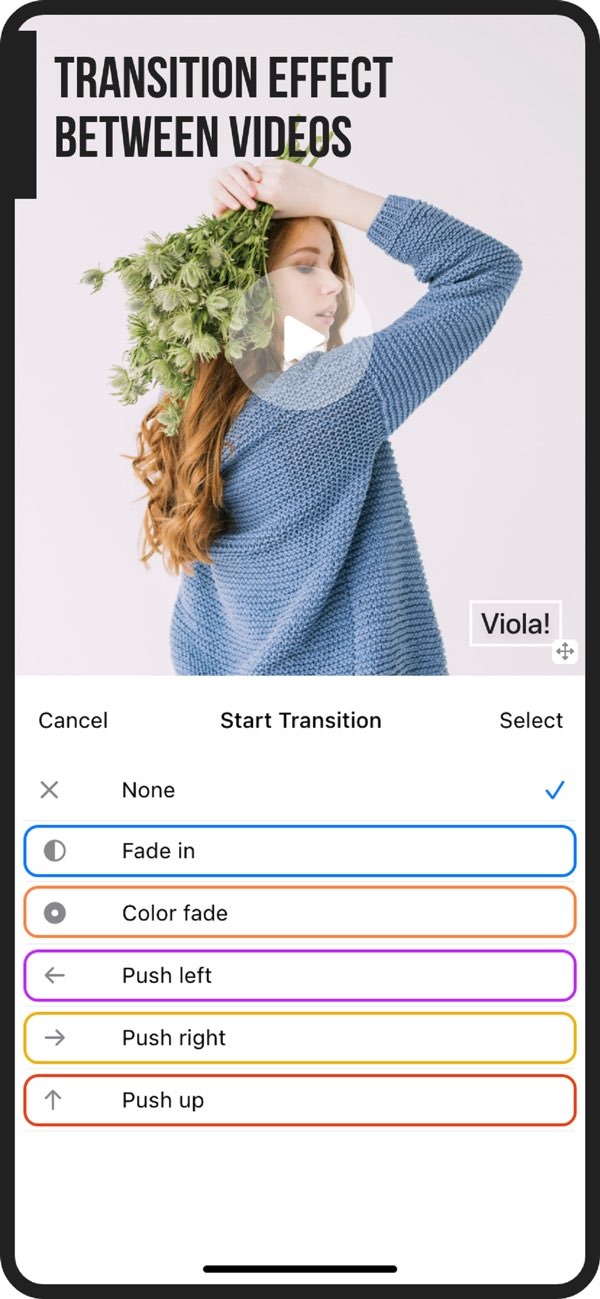
Add photo filters and transition effects to improve your video. This step is optional, but it can help your video look more polished.
Step 6: Export and Share
When your edits are done, export the video in the format you want. The app also lets you share your video on social media, so you can show it to a wider audience.

Common Mistakes to Avoid When Adding Music to Videos
Adding music to videos is usually easy, but a few common mistakes can hurt the final result. Here are some to avoid:
- Overpowering Music: Make sure the background music does not drown out the original audio or any voiceovers.
- Poor Music Choice: Choose music that fits the tone and theme of your video. Music that does not fit can confuse viewers and lower engagement.
- Ignoring Transitions: Smooth transitions between clips and music tracks help your video look more professional.
- Skipping Previews: Preview your video after you add music to confirm that everything lines up.
Limitations and Trade-offs
While the Add Music to Video app includes many features, it also has a few limits and trade-offs:
- In-App Purchases: Some advanced features and sound packs may cost extra.
- Device Compatibility: The app is only available for iOS devices, so Android users cannot access it.
- Learning Curve: If you are new to the app, you may need some time to explore the tools and learn how they work.
Conclusion
Adding background music can improve the quality and feel of your videos. The Add Music to Video app gives video creators a complete way to add music and sound effects with less effort. With its simple interface and wide set of features, it works well for both beginners and experienced users.
For more details about the app and other resources, visit the Editr Apps website.
Frequently Asked Questions
Is the Add Music to Video app free to use?
The app is free to download, but it offers in-app purchases for extra features and sound packs.
Can I add subtitles to my videos using the app?
Yes. The app includes an AI Subtitle in 1 Tap option, so you can add subtitles with ease.
What file formats can I export my video in?
The app supports several video formats for export, which helps ensure it works with most social media platforms.
Is the app available for Android devices?
Right now, the Add Music to Video app is only available for iOS devices.
Ready to enhance your videos with music? Download the Add Music to Video app on iOS today and start creating stunning video content.
