
How can I create a video online easily?
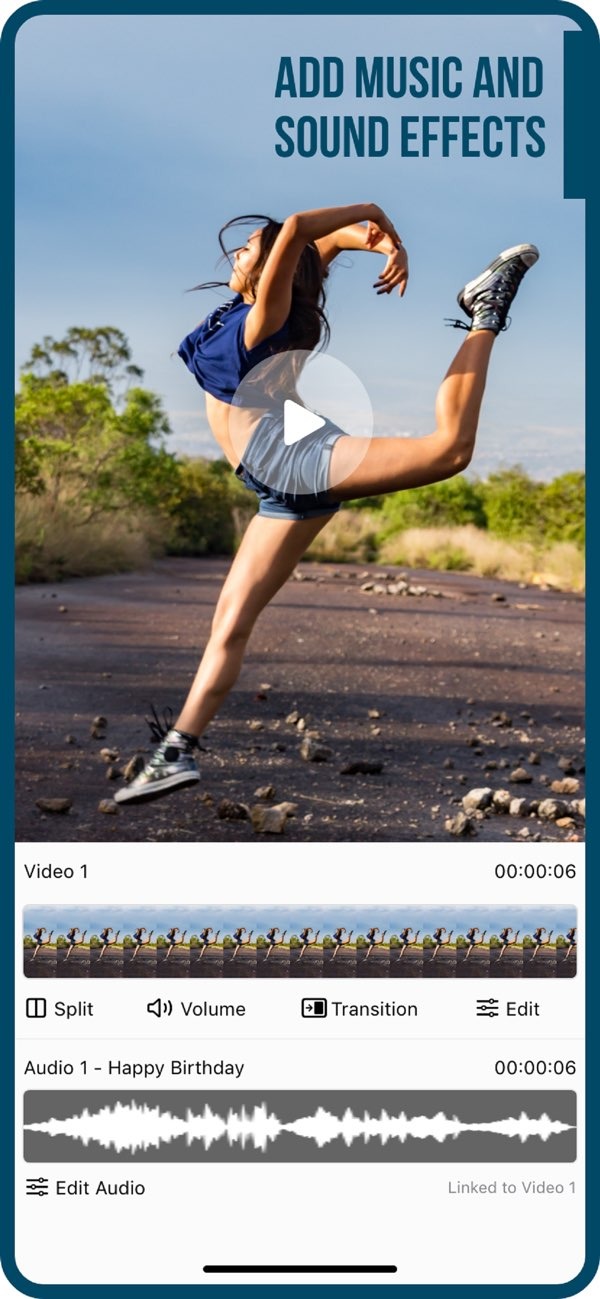
Creating a video online can be simple when you use the right tools. One easy option is the Add Music to Video app on iOS. This app lets you add music and sound effects to your videos. It has a clear, simple interface that works well for both beginners and experienced users.
 |
 |
 |
 |
 |
5. Finalizing and Sharing
When you finish editing, watch your video from start to end. Check that it looks and sounds the way you want. If you need subtitles, use the AI Subtitle feature. When you are satisfied, export your video and share it on social media directly from the app.
 |
 |
Common Mistakes to Avoid
When you create videos, some mistakes can lower the quality of the final result. Here are a few common issues to avoid:
- Overloading with Effects: Effects can help, but too many can make the video feel messy and less professional.
- Ignoring Audio Quality: Bad audio can hurt a video, even if the visuals look great. Make sure music and sound effects are clear and balanced.
- Neglecting Storytelling: A video should share a message or tell a story. Plan your content so viewers stay interested.
Exploring Video Maker Options
Many video-making apps are available, and each one has different strengths. For example, if you make content for YouTube, you may need support for longer videos and more advanced editing tools. The Add Music to Video app works well for videos that use music and effects, so it can fit many platforms and use cases.
FAQs
Frequently Asked Questions
Can I add music to my video using a mobile app?
Yes. Mobile apps like Add Music to Video let you add music and sound effects to your videos with just a few steps.
How do I add subtitles to my video?
In the Add Music to Video app, you can use the AI Subtitle in 1 Tap feature to add accurate subtitles quickly.
What are transition effects in video editing?
Transition effects are visual effects placed between clips. They help create a smoother flow and improve the overall presentation.
Where can I find music for my videos?
The Add Music to Video app includes a large collection of sound packs. This gives you many music options for different video styles.
Conclusion
Creating a video online can be rewarding, especially when you use a tool like the Add Music to Video app. Its features include music and sound effects, photo filters, and AI subtitles. These tools can help you create high-quality videos. Whether you are making a video for personal enjoyment or for professional use, this app gives you the tools you need. For more information, visit the Editr Apps website.
If you’re ready to start creating videos with ease, download the Add Music to Video app on iOS today.
