
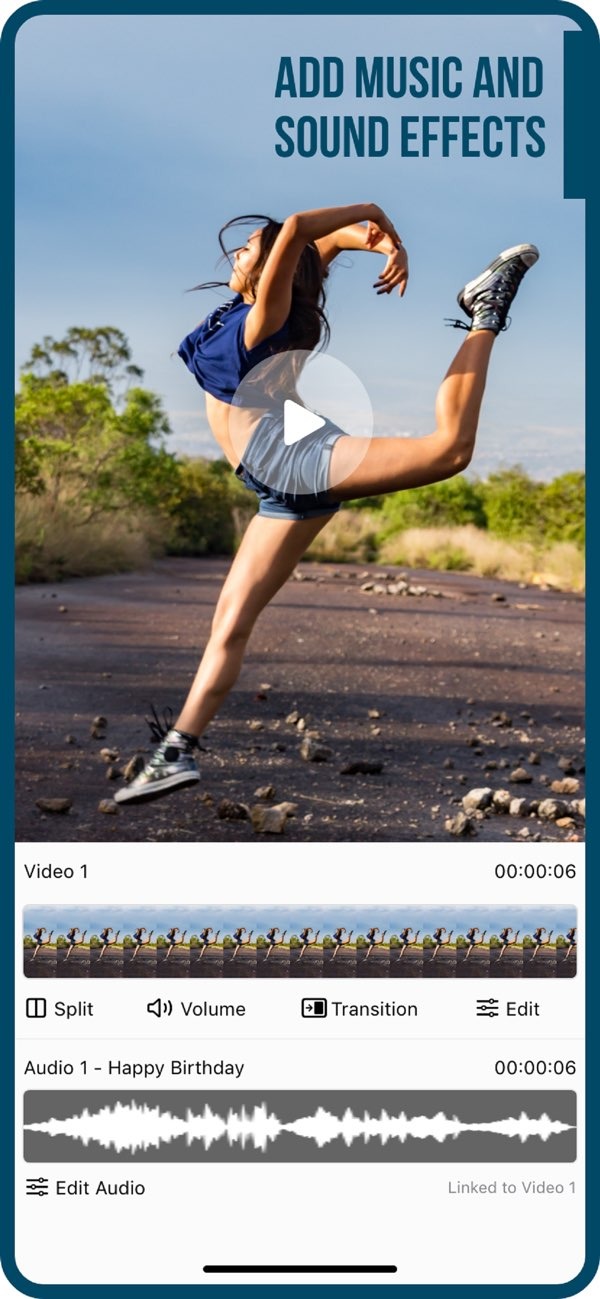
I’m Looking for a User-Friendly Video Editor for Beginners
If you want a user-friendly video editor, Add Music to Video on iOS is a simple option for beginners. The app lets you add music and sound effects to your videos with ease. This makes it a good pick if you are new to video editing.
 |
 |
 |
 |
 |
Practical Scenarios for Using Add Music to Video
It helps to see how Add Music to Video fits into real situations. Here are a few examples:
Creating Social Media Content
Social media platforms depend on engaging video content. With Add Music to Video, users can make videos with music and effects that stand out on platforms like Instagram and TikTok. The export and share tools also make it easy to post content directly, which saves time for creators.
Enhancing Personal Projects
For a family vacation video or a personal vlog, music and effects can support the story. The app’s simple tools help users add a personal touch, so videos feel more memorable and enjoyable to watch.
Educational and Professional Use
For education, instructional videos work better when audio is clear and subtitles are included. Professionals can also use the app for promotional videos or presentations that need strong video quality. The AI Subtitle feature is especially helpful for making content easier to access for more people.
 |
 |
 |
Conclusion
For beginners who want a simple but capable video editing tool, Add Music to Video on iOS is a strong choice. It combines beginner-friendly tools with advanced features, so it can support many editing needs. To learn more and review the features, visit the Editr Apps website.
