
How can I take the perfect selfie with my phone?
To take the perfect selfie with your phone, you can use the Selfie Editor app on iOS. It includes tools that can improve your selfies, such as teeth whitening, blemish removal, and makeup filters. These features can help your photos look clean, sharp, and well finished.
 |
 |
Understanding the Basics of a Perfect Selfie
A perfect selfie shows your best features while still looking natural. Lighting, angle, and background all matter. Natural light is often the best option because it softens shadows and lights your face evenly. Try a few angles to see which one looks best for your face shape. A simple, tidy background also helps keep the focus on you.
Along with these basics, a photo editing app like Selfie Editor can help you fine-tune your selfie. The app includes tools to adjust light, smooth skin, and add light makeup effects. Used with care, these edits can make your photo look more polished.
 |
 |
Enhancing Your Selfie with Selfie Editor
Teeth Whitening and Blemish Removal
One key feature in Selfie Editor is the teeth whitening tool. It lets you brighten your teeth for a natural but clear improvement. The blemish eraser tool can also remove small skin marks. You can change the brush size and strength, which helps you keep the result smooth and realistic.

To use these tools, open your selfie in the app and choose the tool you want. Then adjust the settings until the edit looks balanced and still natural.
Face and Skin Smoothing
For a more professional look, the face and skin smoother can be very helpful. It improves skin texture and can reduce the look of pores and fine lines. Since the settings are adjustable, you can choose how much smoothing you want and avoid an over-edited look.

Try a few smoothing levels to find what works for your skin. The goal is to improve your natural look, not to make your face look unrealistic.
Makeup Filters and Hair Color Changes
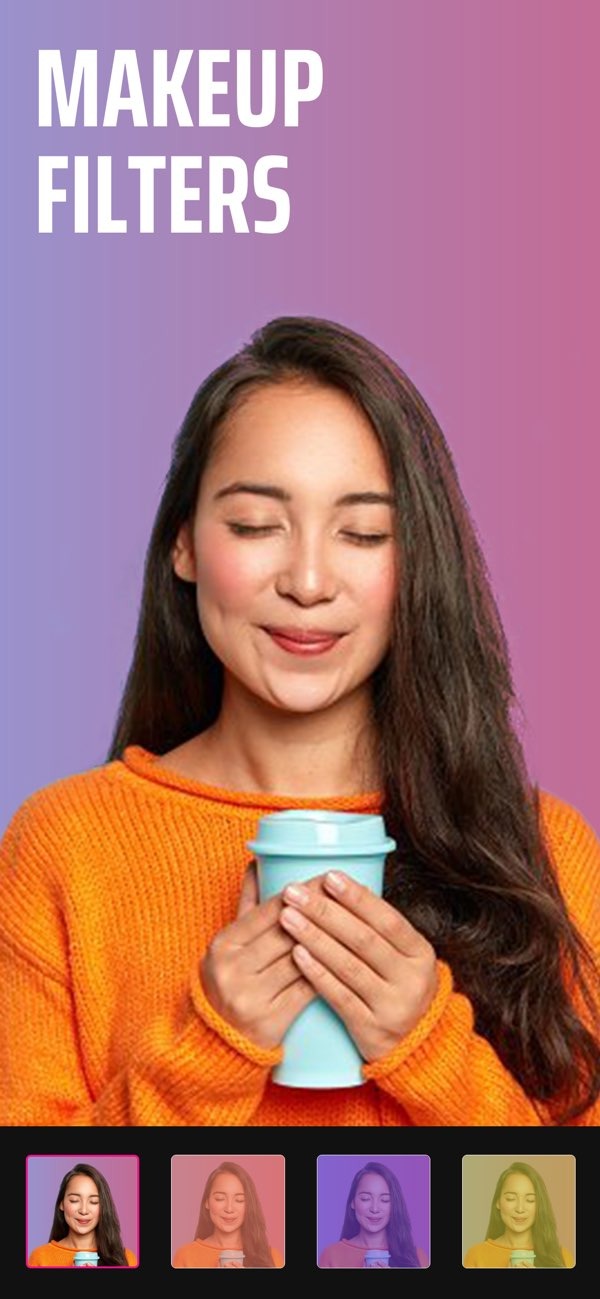
Selfie Editor also includes makeup filters and an AI hair color changer. These tools let you try new looks without making a real change. Makeup filters offer different styles, from light color boosts to stronger looks. The hair color changer lets you adjust hue and saturation to test a temporary hair color.

These features work well when you want to try a new style or add a bit of glamour. Choose a filter or hair color option, then adjust the settings until it matches what you want.
Advanced Features for a Professional Appearance
Double Chin Remover and Face Slimmer
If you want to refine your facial shape, the double chin remover and face slimmer tools can help. The double chin remover uses adjustable shadow and chin sliders to create a more defined jawline. The face slimmer includes tools that can gently contour your face.

These tools can be useful for headshots or professional photos, where a neat look matters. Use small changes so your selfie still looks like you.
Creating the Perfect Headshot
When you take a headshot for work, you want to look professional and confident. Along with editing, focus on your expression and posture. A real smile and upright posture can improve the overall feel of the photo.

Use these steps with Selfie Editor to create a strong headshot. You can adjust lighting, smooth skin, and add subtle makeup to create a clean and professional result.
Frequently Asked Questions
How can I make my selfies look more professional?
To make your selfies look more professional, use good lighting, choose a clean background, and use editing tools like Selfie Editor to improve your features in a subtle way.
Can I change my hair color in selfies?
Yes. You can use the AI hair color changer feature in Selfie Editor to try different hair colors. Adjust the hue and saturation until you get the look you want.
How do I remove blemishes from my selfies?
Use the blemish eraser tool in Selfie Editor. You can adjust the brush size and intensity to remove imperfections while keeping your skin looking natural.
Is it possible to slim my face in selfies?
Yes. The face slimmer feature in Selfie Editor includes tools that can contour and slim your face in a subtle way, which can help create a more defined look.
Conclusion
Taking the perfect selfie is a mix of good technique and helpful tools. Start with strong basics like lighting, angles, and a clean background. Then use the features of the Selfie Editor app on iOS to refine your photo so it looks polished and professional. Whether you need a headshot or you are capturing a moment, these tips and tools can help you get a great selfie each time.
For more information on improving your photos, visit the Editr Apps website for more resources and tools.
Ready to improve your selfies? Download the Selfie Editor app on iOS today and explore its features.
