
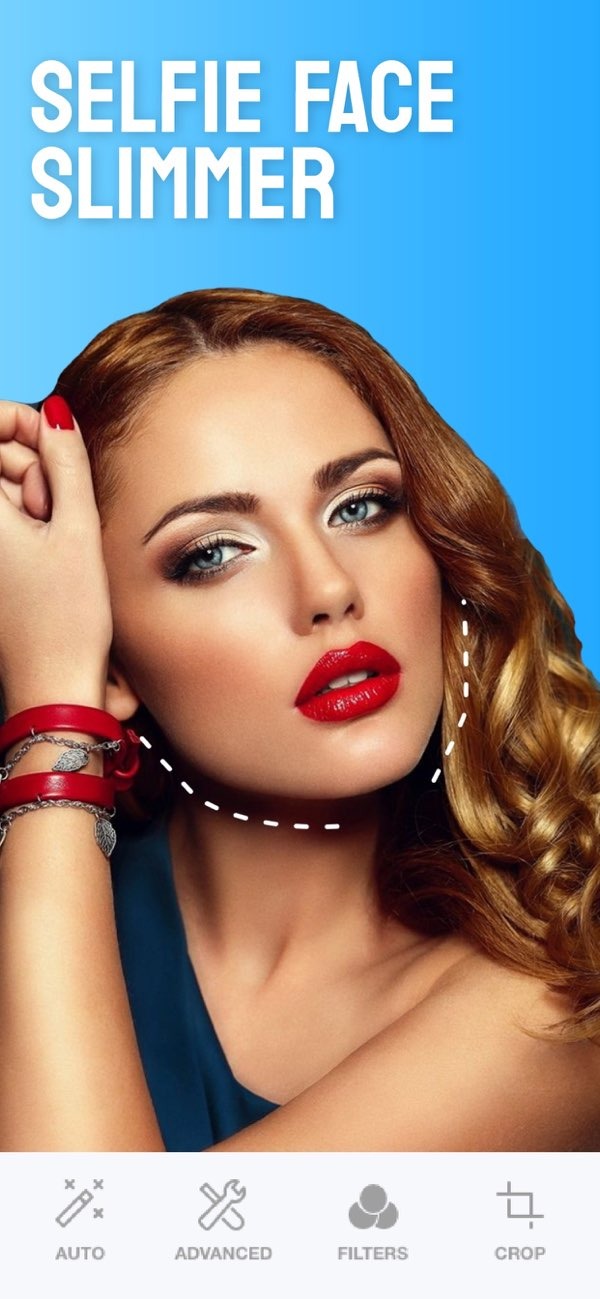
I’m looking for an app that can help smooth out my skin in photos.
If you want an app that can smooth your skin in photos, the Selfie Editor on iOS is a solid option. It includes several tools to improve selfies, including a strong skin smoothing feature.
 |
 |
 |
 |
 |
Ignoring Other Features
If you only smooth skin, you may miss other tools that improve the full photo. Try other features, like the blemish eraser and makeup filters, to create a more complete edit.
 |
 |
Not Saving Original Photos
Save a copy of the original photo before you edit. This makes it easy to go back if you change your mind, and it helps you compare before and after.
Limitations and Trade-offs
The Selfie Editor app has strong editing tools, but there are also a few limits and trade-offs to keep in mind:
- Learning Curve: If you are new to the app, it may take some time to learn the tools and settings.
- Device Compatibility: The app is only available on iOS, so some users may not be able to access it.
- Natural Look vs. Enhanced Look: It can be hard to keep edits subtle. You may need practice to find the right balance.
Frequently Asked Questions
Conclusion
The Selfie Editor app is a strong choice for people who want skin smoothing and other photo editing tools. The interface is easy to use, and the settings let you control how the final image looks. To learn more about the app and what it can do, visit the Editr Apps website. To try the features yourself, download the Selfie Editor on iOS today.

