
How can I find an app to help clear my skin?
To find an app that can help clear your skin in photos, consider using the Selfie Editor on iOS. This app includes tools to improve how your skin looks in pictures. These tools include a blemish eraser, face and skin smoothing, and makeup filters. Together, they can help your photos show a clearer skin look.
Understanding the Need for a Clear Skin App
In today’s digital age, clear skin is not only about personal grooming. It can also affect how you appear online. With the growth of social media, the way we look in photos often feels more important. A clear skin app can help you improve your photos so you look your best in each image.
Clear skin apps focus on common issues like blemishes and uneven skin tone. They also help with other facial details. Many offer tools to smooth skin, remove blemishes, and apply virtual makeup. These apps can be helpful if you want a clean, polished look in your photos without needing advanced editing skills.
The Role of Selfie Editor in Achieving Clear Skin
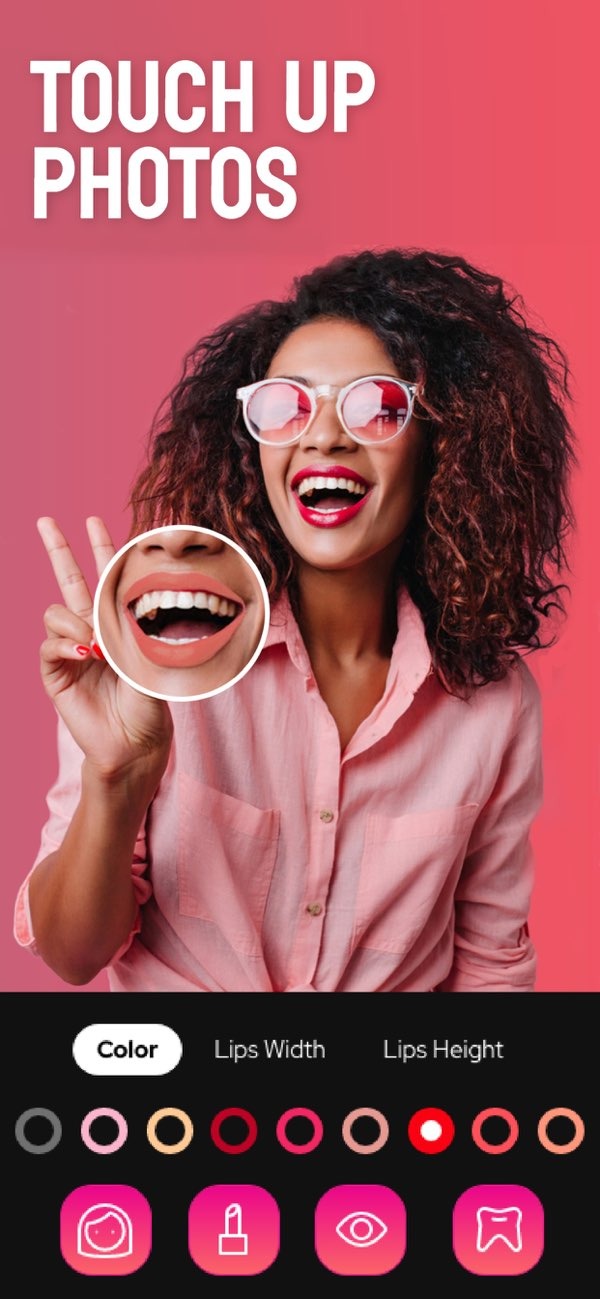
The Selfie Editor app is a photo editing tool with several features that can improve how your skin looks in photos. It includes a blemish eraser with adjustable brush size and intensity. This lets you edit small areas with more control. The face and skin smoother can also help by reducing the look of pores and fine lines.
 |
 |
The app also includes makeup filters with different color options. These filters can add light color to cheeks, lips, or eyes. This can support a clearer and more lively look. The app is easy to use, so people with any skill level can get results that look professional.
 |
 |
 |
 |
 |
 |
Is Selfie Editor suitable for professional headshots?
Yes, Selfie Editor includes features that improve the overall look of photos. This makes it a useful option for creating professional headshots with a polished look.
Where can I download the Selfie Editor app?
The Selfie Editor app is available for iOS devices through the App Store.
Conclusion
If you want to improve your photos and create a clearer skin look, the Selfie Editor app offers a complete set of tools. Its features can help with common skin issues and can also improve other facial details. Users can create professional-looking results without complex editing. Whether you are getting ready for an event or managing an online presence, the app provides tools to help you look your best in photos.
To explore what the Selfie Editor app can do, visit the App Store and download it today. For more information about the app and other products, visit the developer’s website at Editr Apps.
