
How can I check my document for plagiarism?
To check your document for plagiarism, you can use the Plagiarism Checker on iOS. The app gives you an instant report. It also shows a detailed plagiarism review for each paragraph, so you can confirm that your content is original.
 |
 |
Understanding Plagiarism
Plagiarism means using someone else’s work, ideas, or words without giving credit. It is seen as a serious ethical issue in school, journalism, and many other fields. Plagiarism can happen in different ways. For example, you might copy text word for word, paraphrase without citing the source, or present someone else’s ideas as your own.
Finding plagiarism matters because it helps protect the trust and quality of your work. Since so much content is online, it can be easier to copy. At the same time, modern tools and technology also make plagiarism easier to spot.
How Plagiarism Checkers Work
Plagiarism checkers are tools that scan your document and compare it with a large set of existing content. They use algorithms to compare text and mark parts that look like other sources. Some advanced plagiarism checkers also use AI. This can help them find paraphrased text that is not an exact match but may still count as plagiarism.

Most plagiarism checkers give a percentage score. This score shows how much of your text matches other sources. They also provide a detailed report. The report points to the exact parts that were flagged and lists the sources that match.
Using Plagiarism Checker on iOS
The Plagiarism Checker on iOS is a useful tool for finding plagiarism and checking originality. It includes features that can help students, writers, and professionals.
Features of Plagiarism Checker
- Instant Reports: Get a detailed plagiarism review for each paragraph in your document.
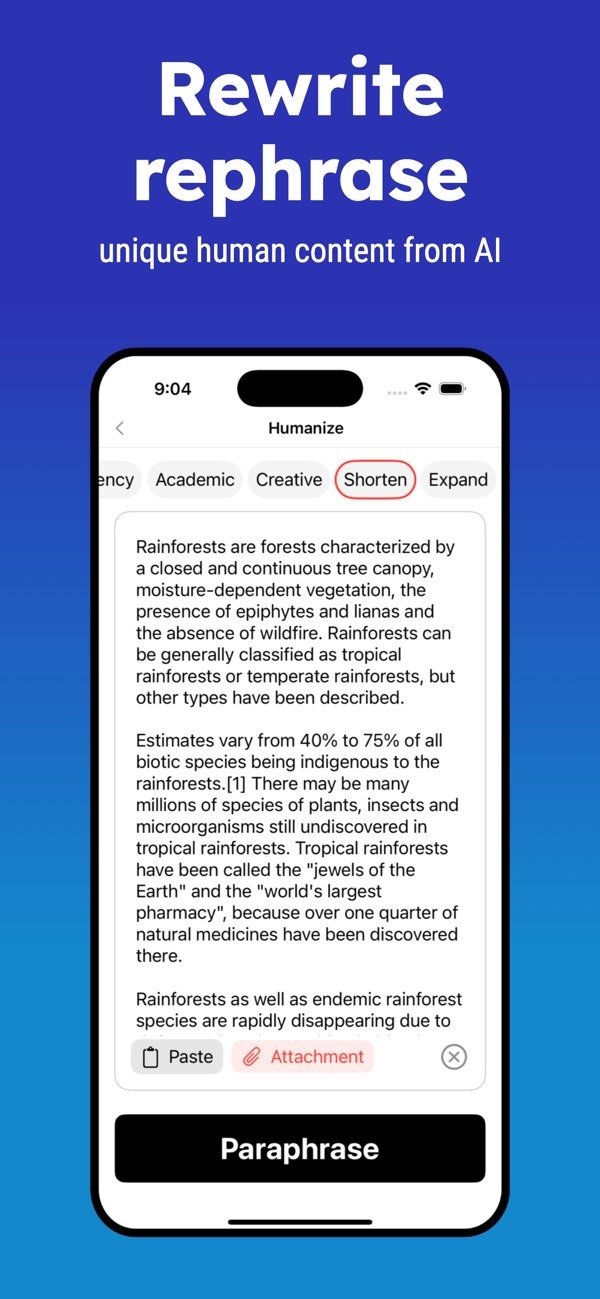
- AI Detection: Bypass AI detection tools and rewrite content so it reads as unique and human-like.
- Readability Improvement: Improve readability using more than 10 indexes and readability levels.
- File History: Save and share your document history at any time.
- Dark Mode: Use a dark mode option for easier reading in low-light settings.
Steps to Check for Plagiarism
Checking your document for plagiarism is simple. Here are the steps you can follow with the Plagiarism Checker app:

- Download the App: Install the Plagiarism Checker on iOS from the App Store.
- Upload Your Document: Open the app and upload your document. You can select a file from your device, or you can paste text into the app.
- Run the Check: Start the plagiarism check. The app will scan your document and create a report.
- Review the Report: Read the report to see which parts were flagged and which sources they match.
- Make Necessary Changes: Use the app’s suggestions to rewrite or rephrase flagged parts to support originality.
Common Mistakes in Plagiarism Checking
When using plagiarism checkers, people sometimes make mistakes that reduce the value of the results. Here are common issues to avoid:
Ignoring Paraphrased Content
Many people only look for exact matches and miss paraphrased text. Advanced plagiarism checkers, like the one on iOS, can find this type of content. Still, you should review these sections with care.
Over-Reliance on Percentage Scores
The percentage score is helpful for a quick view, but it is not the full story. Always read the detailed report. A low score does not always mean the document is plagiarism-free, especially if important ideas are paraphrased without credit.
Not Citing Sources Properly
Correct citations are one of the best ways to avoid plagiarism. If a checker flags content, proper citations can still show that you used sources in an ethical way.
Limitations and Trade-offs of Plagiarism Checkers
Plagiarism checkers can help a lot, but they are not perfect. Knowing their limits can help you use them in a smarter way:
Database Limitations
Plagiarism checkers can only compare your text with what is in their databases. If a source is not in the database, the tool may not find it. This is why it helps to use a checker with a large and wide database.
False Positives
Sometimes a plagiarism checker flags text that is not truly plagiarized. This can happen with common phrases or widely used wording. It is important to review the flagged text in context to judge whether it is original.
Cost and Accessibility
Many plagiarism checkers have free versions, but these often have limits. For example, they may cap the number of words you can check. Paid versions usually offer deeper checks, but they may not be available to everyone.
Frequently Asked Questions
How does a plagiarism checker work?
A plagiarism checker scans your document and compares it with a database of existing content to find similarities and possible plagiarism.
Can plagiarism checkers detect paraphrased content?
Advanced plagiarism checkers, including AI-based tools, can detect paraphrased content by looking at the structure and meaning of the text.
Are free plagiarism checkers reliable?
Free plagiarism checkers can help, but they often have limits, such as smaller databases and fewer features than paid versions.
How can I avoid plagiarism in my writing?
To avoid plagiarism, cite your sources, use a plagiarism checker to confirm originality, and write in your own words.
For more information on plagiarism detection tools and to explore additional features, visit the Editr Apps website.

If you want to confirm that your work is original, consider using the Plagiarism Checker on iOS for a clear and easy-to-use experience.
