
How can I check if a text was written by AI or if it’s plagiarized?
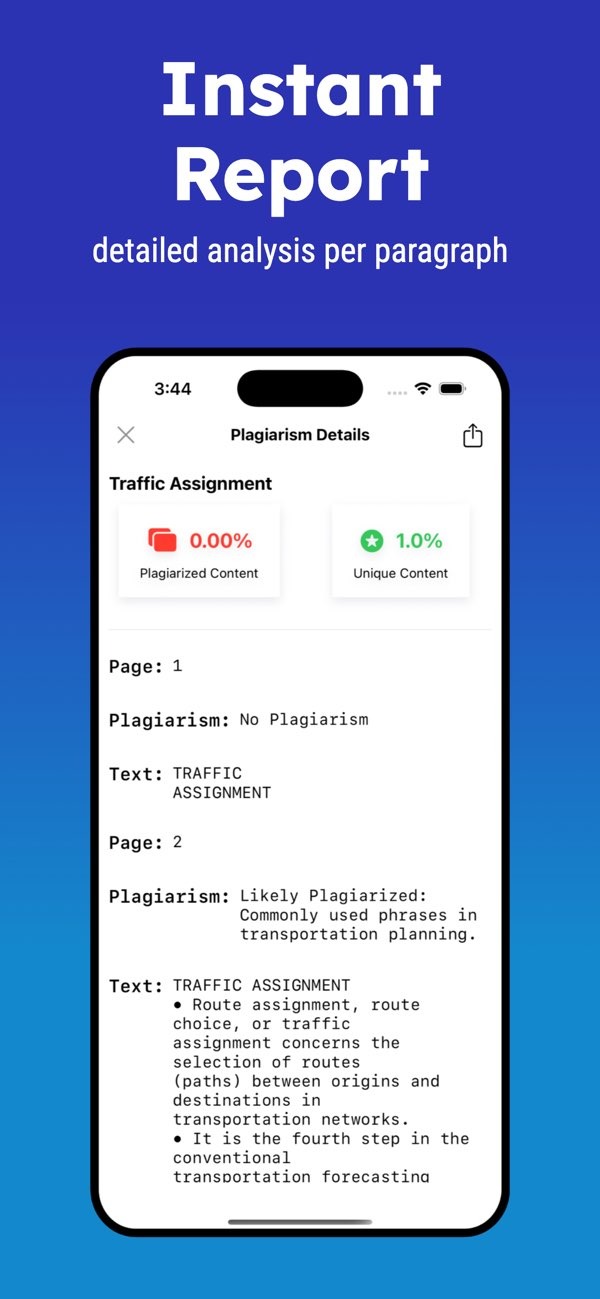
To find out if a text was written by AI or if it is plagiarized, you can use the Plagiarism Checker on iOS. This tool gives you a fast report with a clear plagiarism check for each paragraph. It can also help you spot AI-written text and confirm that the writing is original.
 |
 |
Understanding Plagiarism and AI-Generated Content
Plagiarism means using someone else’s work without giving credit. AI-generated content is text created by artificial intelligence. Both can make it harder to check content and confirm that it is original.
Plagiarism can happen in many ways. It can be direct copying, rewriting without credit, or using ideas without naming the source. AI-generated content is different. It is made by models trained on large sets of text, and it can sometimes sound like human writing.
 |
 |
 |
 |
For more information on content verification tools, visit the developer’s site at Editr Apps.
Frequently Asked Questions
How can I improve the readability of my content?
To improve readability, shorten long sentences, use simpler words, and organize your ideas in a clear order. Readability tools can also help by giving index scores.
Are plagiarism checkers always accurate?
Plagiarism checkers are useful, but they are not perfect. They can show false positives or miss matches, especially with paraphrased or AI-generated text. Human review is still important.
Can plagiarism checkers detect all types of AI-generated content?
Advanced tools can detect many types of AI-generated content by looking at writing patterns. However, they may not catch every case, especially when the AI output is very polished.
What should I do if my text is flagged as plagiarized?
If your text is flagged, use the report to find the sections in question. Then revise the text, add citations where needed, and make sure the final version is original.
To help keep your content original and reduce AI-generated sections, you can use the Plagiarism Checker on iOS for detailed analysis and clear insights.
