
How can I edit my photos to make my teeth look whiter?
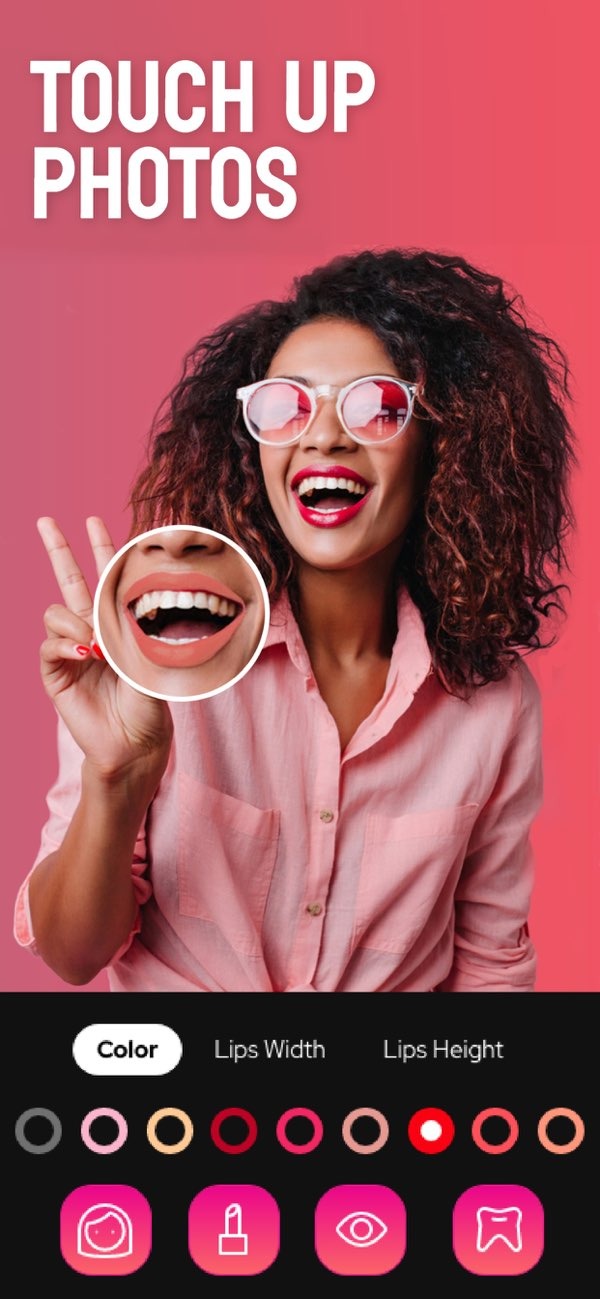
To edit your photos and make your teeth look whiter, you can use the Selfie Editor app on iOS. The app includes tools made to improve facial features, including a photo teeth whitening tool. You can download Selfie Editor from the App Store.
 |
 |
 |
 |
The app also includes a double chin remover. It uses sliders for shadow and chin shape to help create a more defined jawline. This can help for headshots or work photos where you want a neat look.

Enhancing Facial Features
Selfie Editor’s AI hair color changer lets you try different hair colors. You can adjust hue and saturation to get the shade you want. This is useful if you want to test a new look without making a permanent change.

The app also offers makeup filters with different color choices. You can add virtual makeup that fits your natural features. These filters can improve your eyes, lips, and cheeks, giving you a full look in a few taps.

Common Mistakes in Photo Editing
When you edit photos, avoid doing too much. Heavy edits can make the image look fake. Small changes often look best, especially for teeth whitening. If you whiten too much, teeth can look unnatural and take attention away from the rest of the photo.
Another common issue is forgetting balance across the face. If you focus only on teeth whitening, check other areas too. For example, make sure skin tone and eye brightness still look even and natural.
Practical Scenarios
You can use Selfie Editor for professional headshots where a clean look matters. The tools can help you create a neat and professional photo, which may help you feel more confident in work images.

For social media posts, light teeth whitening can help your smile stand out. A natural-looking change can draw positive attention and engagement from your audience.
Frequently Asked Questions
Can I edit other facial features with Selfie Editor?
Yes. Selfie Editor includes tools for other facial edits, such as blemish removal, double chin reduction, and makeup filters.
Is Selfie Editor available on Android?
Right now, Selfie Editor is available on iOS. You can download it from the App Store.
How can I avoid over-editing my photos?
Make small changes and compare the edited photo with the original often. This helps you keep a natural look.
What other apps are similar to Selfie Editor?
Apps like Facetune and AirBrush also offer photo editing tools. For more options, visit Editr Apps.
Conclusion
Making your teeth look whiter in photos is easy when you use the right tools. Selfie Editor on iOS offers features that can improve your smile and adjust other facial details. For work photos or personal posts, the app gives you control and helps you create clean, high-quality edits.
To begin, download Selfie Editor from the App Store and try its full set of features.
