
What are some ways to enhance my photos with filters?
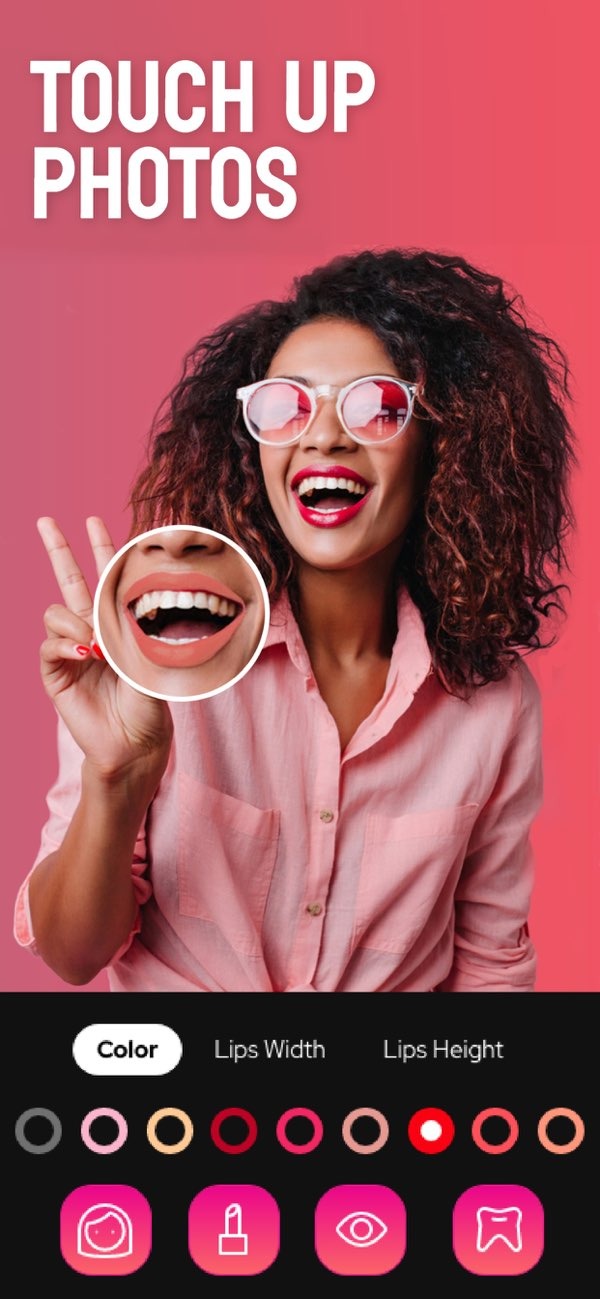
Photo filters can turn a normal photo into a more striking image. With the Selfie Editor on iOS, you can add filters and make quick edits with little effort. The app includes tools like teeth whitening, blemish erasing, and AI hair color changing. These features are made to help you improve photos in a simple way.
 |
 |
 |
 |
 |
 |
The app also includes makeup filters with different color choices. You can try different makeup styles using these filters. They can add lipstick, blush, and eye shadow, giving a full makeover in just a few taps.
 |
 |
Practical Scenarios for Using Photo Filters
You can use photo filters in many situations. For example, if you need a headshot for work, a clean and professional filter can improve the photo. It can also make the image feel more appropriate for a corporate setting.

On social media, people often use filters to keep a consistent style across a profile. When you use similar filters on many photos, the page can look more unified. This is often important for influencers and brands.
Filters can also improve travel photos. They can bring out the natural look of landscapes or highlight the strong colors in a sunset. Artistic filters can add a special touch, which can help photos stand out in an album or on social media.
Common Mistakes and Limitations
Photo filters are useful, but it is easy to overdo them. If you stack too many filters or set them too strong, the photo can look unnatural. It helps to use filters with care so the image still looks realistic.
Another limit is that filters do not work the same way on every photo. A filter made for portraits may not look right on a landscape, and the reverse is also true. It is important to pick a filter that matches the type of photo you are editing.
Frequently Asked Questions
How do I use photo filters in Selfie Editor?
In Selfie Editor, you can add filters by choosing the tool you want, such as teeth whitening or blemish erasing. Then adjust the settings until you get the look you want. The app includes many features that help you enhance photos with little effort.
Can photo filters improve professional headshots?
Yes. Photo filters can improve professional headshots by fixing lighting, smoothing skin, and adjusting colors. This can create a clean, polished look that fits corporate settings.
What are some common mistakes when using photo filters?
Common mistakes include using filters too much, which can make a photo look unnatural. Another mistake is using the wrong filter type, such as a portrait filter on a landscape image.
Are there free photo filter apps available?
Yes, many photo filter apps are free. Selfie Editor is one option, and it includes a range of filters and editing tools you can use to enhance photos at no cost.
To explore what photo filters can do and improve your images, you may want to download the Selfie Editor on iOS. The app includes many features that can help you create strong photos with simple steps. For more details about the app and its developer, visit Editr Apps.
