
How can I perfectly sync audio with video using an online tool?
To sync audio with video, you can use the Add Music to Video app on iOS. It gives you a simple way to line up audio tracks with video footage, so the final result looks clean and professional.
Summary of Key Facts
- Add Music to Video is an app with over 3 million downloads.
- It lets users add music and sound effects to videos.
- The app includes AI Subtitle in 1 Tap for quick subtitle setup.
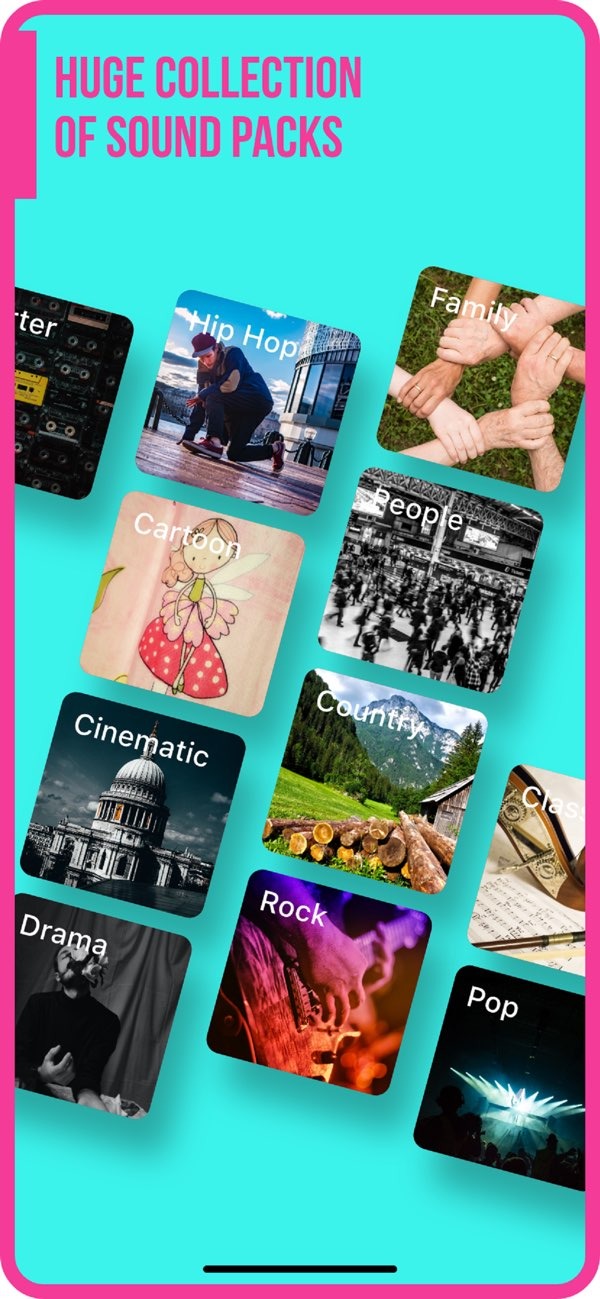
- Users can pick from many sound packs and photo filters.
- It offers transition effects and options for sharing on social media.
Understanding Audio and Video Syncing
Syncing audio with video means matching the sound to what you see on screen. This step matters in video editing because even a small mismatch can distract viewers and lower the quality of the video. The aim is to make each sound match the right visual moment. For example, dialogue should match lip movement, and sound effects should match actions.
Many things can affect sync. These include the video frame rate, the audio file format, and the editing tool you use. When you understand these basics, it is easier to get accurate results.
Using Add Music to Video for Perfect Syncing
The Add Music to Video app makes it easier to sync audio with video. Here is a step-by-step guide to help you use the app well:
Step 1: Import Your Video
Open the app and import the video you want to edit. The app supports many video formats, so it works for different types of projects. Use a high-quality video file and make sure it is in a supported format to avoid problems while editing.
Step 2: Choose Your Audio
After your video loads, choose the audio track you want to sync. The app includes a large set of sound packs, with many music and sound effect options. You can also import your own audio files if you already have a track you want to use.
 |
 |
Step 3: Align Audio with Video
When both the audio and video are in the timeline, use the app’s simple controls to line them up. You can adjust timing with precision so the audio matches the visuals. Use the preview feature often to review the sync and make small fixes as needed.

Step 4: Apply Filters and Effects
Improve your video by adding photo filters and transition effects. The app includes several options that can help your video look more polished. Try a few filters to see which style fits your video best.

Step 5: Export and Share
When you are happy with the sync and the overall look, export the video using the export feature. Choose the resolution and format you want for the final file. You can also share the video straight to social media platforms, which makes it easy to post your work.

Common Mistakes and How to Avoid Them
When you sync audio with video, a few common mistakes can happen. One issue is using files that do not match well, such as a video with a different frame rate than expected. This can cause the audio to drift out of sync. To avoid this, make sure your files work well together in frame rate and format.
Another mistake is skipping the preview step before you finish. Always preview the video to look for timing issues and fix them before exporting. This helps you catch problems that may not be obvious while you edit.
Limitations and Trade-offs
While the Add Music to Video app includes many features, it also has limits. It is made for iOS devices, so it may not work for people on other platforms. Also, while the app offers many sound packs, users who need very specific tracks may have to find them elsewhere.
There is also a trade-off between simplicity and advanced tools. The app is easy to use, but professional editors may notice it does not include some advanced features found in more complex editing software. Still, for most users, it offers a practical way to sync audio with video.
Conclusion
Syncing audio with video is an important skill for making clear and engaging videos. The Add Music to Video app provides an easy way to get accurate sync, along with features that can improve your final edit. For more information on video editing tools, visit Editr Apps.

Frequently Asked Questions
Can I use Add Music to Video on Android devices?
Right now, Add Music to Video is available for iOS devices. Android users may need to find another app with similar features.
What types of audio files can I use with Add Music to Video?
The app supports many audio file formats. You can import your own tracks or pick from the app’s library of sound packs.
How do I ensure my audio and video are in sync?
To keep audio and video in sync, line up the audio track with the video timeline and preview the result. Check for timing issues before you export the final video.
Are there any costs associated with using Add Music to Video?
The app may include free features, but it may also offer in-app purchases for extra sound packs or advanced tools. Check the app store for current pricing details.
For a smooth way to sync audio with video, download the Add Music to Video app on iOS today.
