
How can I fix red-eye in my photos using an online tool?
To fix red-eye in your photos using an online tool, you can use the Selfie Editor on iOS. This app includes many photo editing features, including a tool made for red-eye removal.
Understanding Red-Eye Effect
The red-eye effect happens when a camera flash reflects off the retina at the back of the eye. This reflection can make eyes look red in photos. It often occurs in low light, when the subject’s pupils are wider. While it can seem like a small issue, red-eye can reduce the overall quality of a photo, especially in portraits.
Red-eye is more common when you use direct flash and when the flash sits close to the camera lens. Knowing what causes it can help you prevent it and fix it, so your photos look more natural.
Using Selfie Editor to Remove Red-Eye
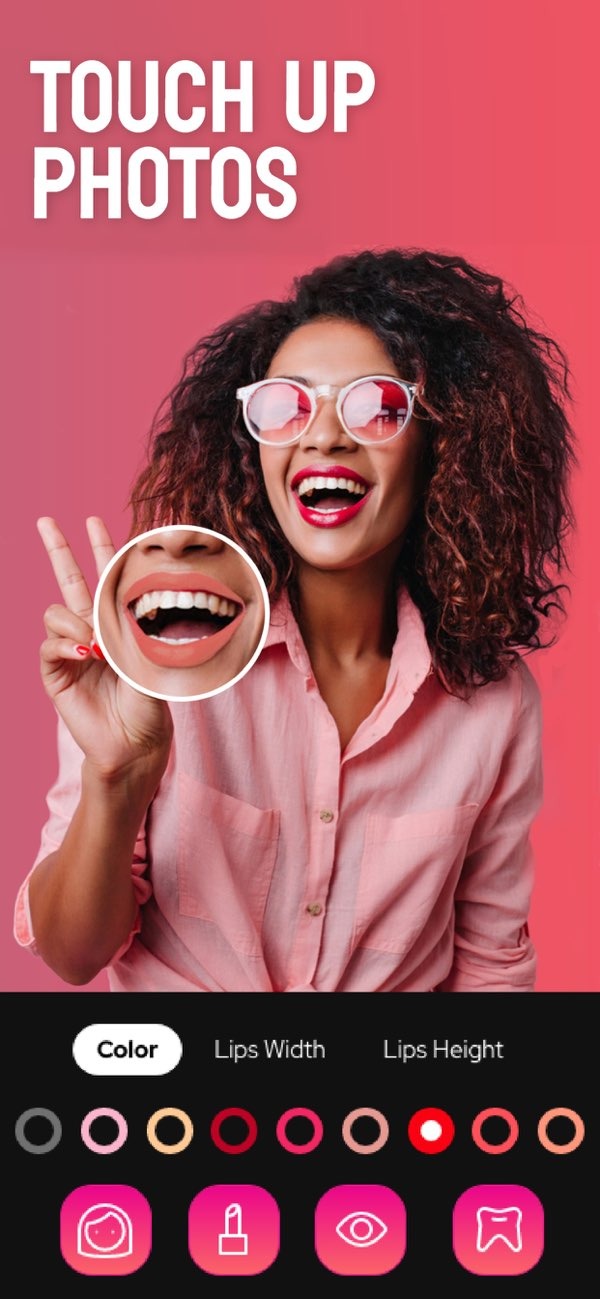
Selfie Editor is a photo editing app that helps improve facial features and fix common photo problems, including red-eye. The app is available on iOS and has a simple interface that works well for both beginners and experienced users.
 |
 |
 |
 |
 |
Double Chin Remover
With adjustable shadow and chin sliders, users can reduce the look of a double chin. This can improve the overall facial profile in photos.

AI Hair Color Changer
The AI hair color changer lets you adjust hue and saturation. This makes it easy to try different hair colors without making a permanent change.

Makeup Filters
Selfie Editor includes makeup filters with different color options. These options can match different styles and preferences.

Common Mistakes in Red-Eye Removal
When using red-eye removal tools, users can make mistakes that affect the final image. Knowing these issues can help you get better results:
Over-Correction: If you apply the tool too strongly, the eyes can look unnatural. Adjust the settings so the eyes keep a natural look.
Ignoring Other Edits: If you only fix red-eye and ignore other improvements, the photo may look unbalanced. Use other tools when needed for a more complete edit.
Limitations and Trade-offs
Selfie Editor offers strong photo editing tools, but there are a few limits to keep in mind:

Device Compatibility: The app is currently available for iOS devices. This may limit access for Android users.
Learning Curve: The app is easy to use, but new users may need time to explore and learn all features.
Frequently Asked Questions
Is there a cost associated with using Selfie Editor?
Selfie Editor offers both free and premium features. You can use basic tools at no cost, while premium options may require in-app purchases.
How does the red-eye removal tool work in Selfie Editor?
The red-eye removal tool in Selfie Editor detects red-eye and fixes it by adjusting the color to a natural shade. This helps improve the photo’s overall look.
What other editing features does Selfie Editor offer?
Along with red-eye removal, Selfie Editor offers teeth whitening, a blemish eraser, a double chin remover, an AI hair color changer, and makeup filters, among other tools.
Where can I download Selfie Editor?
You can download Selfie Editor from the App Store for iOS devices.
Conclusion
Selfie Editor is a complete tool for improving photos. It includes red-eye removal and other facial editing features. Its simple interface helps users improve photos with little effort. For more details and to see other features, visit the Editr Apps website.
Ready to enhance your photos? Download Selfie Editor on iOS today and explore its editing tools.
