
How can I change my eye color in a photo using an app?
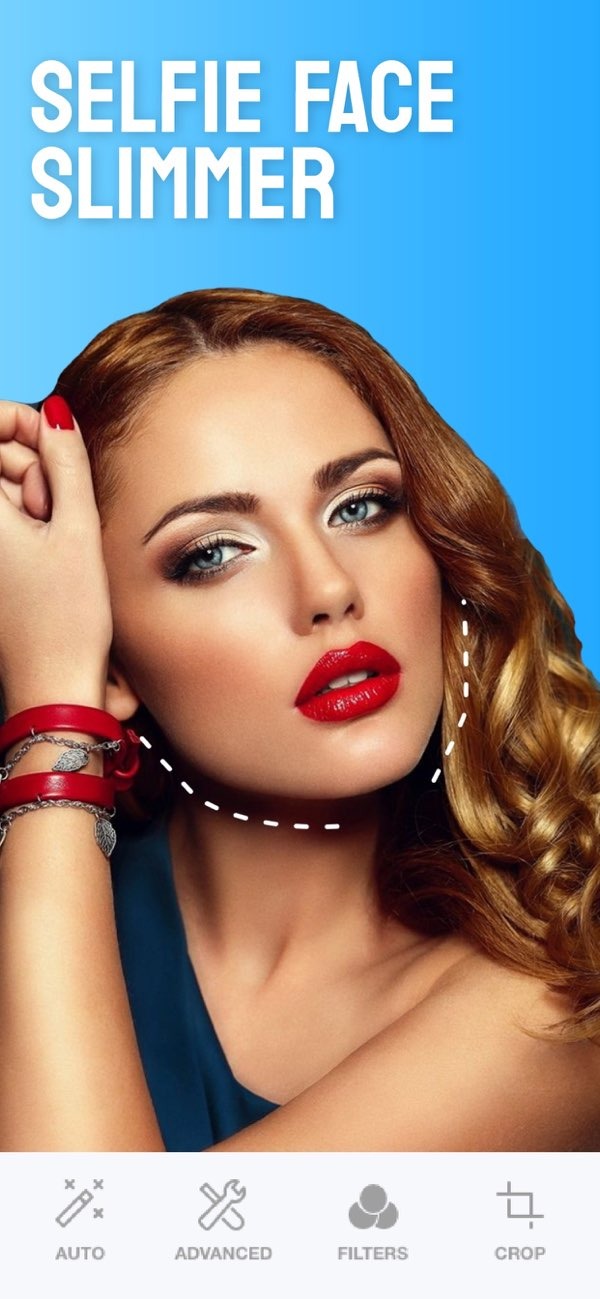
To change your eye color in a photo with an app, you can use the Selfie Editor on iOS. The app has a simple layout and several photo tools, including an eye color changer.
 |
 |
Introduction to Eye Color Changer Apps
Eye color changer apps let you change how your eye color looks in a digital photo. They use algorithms to find the eyes and adjust their color while keeping the result looking natural. Many people use them to try new eye colors without wearing contact lenses.
The Selfie Editor app is a full photo editor that includes an eye color changer. It works as an eye color changer editor, and it also includes other editing tools, so it can be a flexible option for photo edits.
 |
 |
 |
 |
Conclusion
Changing your eye color in a photo is simple with the Selfie Editor app. This tool includes an eye color changer and other features that can improve your photos. You can try new looks or make small edits to your selfies, all in one app.

For more details about the app and its features, visit the Editr Apps website.
Ready to try it out? Download the Selfie Editor on iOS and start exploring the options today.
