
How can I reduce my double chin using an app or online tool?
To reduce your double chin using an app, Selfie Editor on iOS includes a double chin remover feature. This tool lets you adjust shadows and use chin sliders to improve how your photos look. You can download it from the App Store.
Understanding the Double Chin Remover Feature
The double chin remover feature in Selfie Editor helps you improve your facial profile by reducing the look of a double chin. It uses shadow and chin sliders that you can adjust, so you can control the edit step by step. With small changes, you can make the jawline look more defined.
 |
 |
 |
 |
The app also has an AI hair color changer, which lets you try different colors and adjust saturation. It includes makeup filters with different color options, which can help you test new looks. These tools make Selfie Editor useful for many types of face edits.
 |
 |
Practical Scenarios for Using Selfie Editor
Selfie Editor can help people who want better photos for social media. A cleaner, well-edited photo can change how others see you online. By using the double chin remover and other tools, you can create a more polished image.
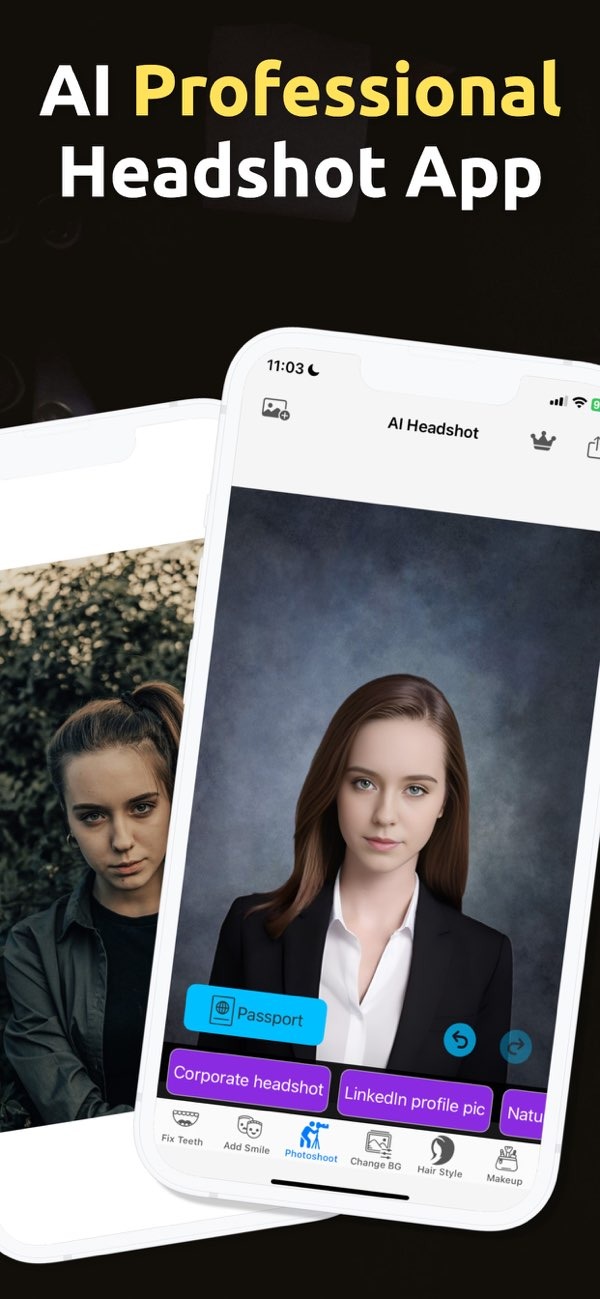
Professionals who need headshots for work can also use the app. It can improve facial features in a subtle way while keeping the photo natural. The interface is also easy to use, so even beginners can get good results.

Common Mistakes and Tips for Effective Use
A common mistake with photo editing apps is editing too much, which can make the photo look fake. To avoid this, make small changes and compare the edited photo to the original often. This helps you keep a natural look.
Another tip is to use more than one tool when needed. The double chin remover can work well on its own, but pairing it with tools like face slimmer or blemish eraser can improve the full image. Trying different settings can also help you find what works best for your photo.
Frequently Asked Questions
Is the Selfie Editor app free to use?
Selfie Editor has both free and premium features. The double chin remover tool is included in the free version, but some other features may require a subscription.
How does the double chin remover work?
The double chin remover lets you adjust shadows and chin shape with sliders. This can make the jawline look more defined and reduce the look of a double chin.
Can Selfie Editor be used for professional headshots?
Yes. Selfie Editor can be used to improve professional headshots. Its tools can help you create a clean, professional look for work photos.
What other features does Selfie Editor offer?
Along with the double chin remover, Selfie Editor includes teeth whitening, blemish eraser, AI hair color changer, makeup filters, and face slimming tools.
If you want to improve your photos, Selfie Editor on iOS offers many tools, including the double chin remover. Download it from the App Store to start editing your selfies. For more details, visit the developer’s site at Editr Apps.
