What are some unique ideas for announcing my pregnancy to my family?
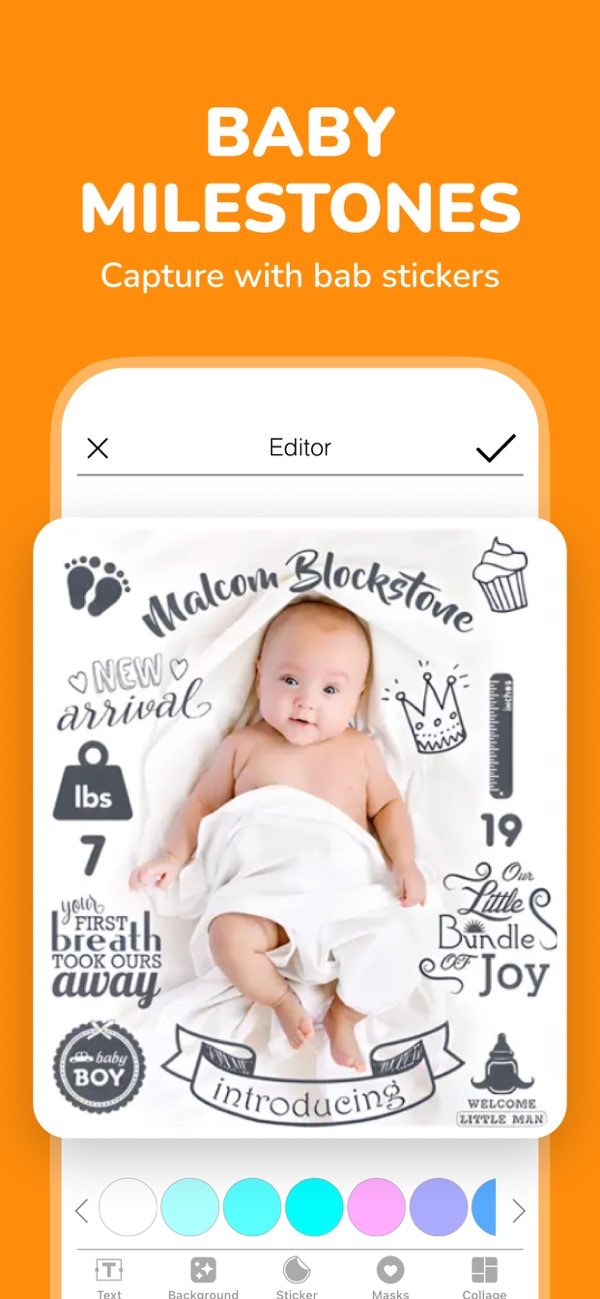
Announcing your pregnancy is an exciting milestone. Finding a unique way to share the news with your family can make it even more memorable. With the Pregnancy announcement on iOS app, you can announce your pregnancy in a creative way. You can use customizable stickers and text to make the message feel personal and special.
 |
 |
 |
Video Messages
If you want something more lively, try a video message. It can be a simple recording of you and your partner sharing the news. Or it can be a bigger video that includes friends and family. Video also helps you capture real reactions from loved ones, which can become a keepsake. You can use the app to add text on the screen or music to the video for an extra touch.
Surprise Gifts
You can also share the news through a surprise gift. For example, you could give a mug that says “Grandma” or “Grandpa.” You could also give a puzzle that reveals the message once it is finished. These gifts share the news and also become a lasting reminder of the moment.
Step-by-Step Guide to Planning Your Announcement
Planning your pregnancy announcement takes a few steps. These steps can help it go smoothly and feel as meaningful as you want. Here is a step-by-step guide:
Step 1: Decide on the Timing
Think about when you want to announce your pregnancy. Some couples share the news after the first trimester. Others wait longer. The right timing depends on your comfort level and any family factors you want to consider.
Step 2: Choose Your Method
After you choose the timing, decide how you want to share the news. Think about what your family would enjoy and what would feel most meaningful. Whether you choose a photo, a video, or a gift, make sure it fits your style and the message you want to share.
Step 3: Prepare the Announcement
Collect what you need for your announcement. This might include props for a photo or items for a gift. If you are using the Pregnancy announcement on iOS app, take time to explore its tools. You can use stickers and text to help shape the final look.
Step 4: Plan the Delivery
Decide how you will share the announcement. Will you do it in person, or will you send it online? Think through the details, and make sure everything is ready before the reveal.
Step 5: Capture the Reactions
Plan how you will capture your family’s reactions. You can take photos or record video. These reactions often become some of the most treasured memories.
Common Mistakes to Avoid
As you plan your announcement, watch out for these common mistakes:
- Overcomplicating the Announcement: Creativity is great, but keep it clear. If it is too complex, people may not understand it right away.
- Not Considering Family Dynamics: Think about how different family members may react. Adjust your approach if needed.
- Forgetting to Capture the Moment: Make a plan to record or photograph the announcement. These memories matter.
FAQs
Frequently Asked Questions
How can I involve siblings in the announcement?
Involving siblings can be fun and meaningful. You can have them wear shirts that say “Big Brother” or “Big Sister.” You can also include them in a family photo with a sign that shares the news.
What should I consider when choosing a location for the announcement?
Pick a place that matters to you and your family. This could be your home, a favorite park, or another spot where you have shared important moments.
How can I make a digital announcement special?
To make a digital announcement feel special, add personal details. You can use custom graphics and a heartfelt message. You can also include interactive ideas, like a quiz or a poll about baby names.
What are some creative ways to announce pregnancy at a family gathering?
At a family gathering, you can share the news during a toast or a game. You can also do it during a group photo by holding a sign or wearing a themed outfit.
Conclusion
Announcing your pregnancy to your family is a big moment. With a little creativity, you can make it feel truly special. Whether you choose photos, videos, or surprise gifts, focus on making it personal and easy to remember. Tools like the Pregnancy announcement on iOS app can help you add customizable stickers and text. For more creative ideas and tools, visit Editr Apps.