
How can I make a seamless photo collage online?
Creating a seamless photo collage online is easy and efficient with the Background Editor app on iOS. The app includes many AI-powered tools that help you blend images, remove backgrounds, and improve your photos for a clean, polished look.
 |
 |
Understanding Seamless Photo Collages
A seamless photo collage is a creative way to show several images in one unified layout. Unlike traditional collages, which often have clear borders or gaps, a seamless collage blends photos together. This creates one smooth visual flow. This style is popular for social media posts, digital scrapbooks, and personal projects.
 |
 |
 |
 |
Creating Your Seamless Collage
After you prepare your images, you can start building your collage. Follow these steps:
Step 1: Arrange Your Photos
Use the app’s drag-and-drop tools to place your photos on the canvas. Try different layouts until you find one that matches your goal. The grid and alignment tools can help you line up images with more accuracy.
Step 2: Blend Images
To create a seamless look, use the app’s blending tools. Adjust opacity and feathering so the images fade into each other. This step helps remove hard edges, sharp lines, or visible borders between photos.
Step 3: Add Finishing Touches
Finish your collage by adding text, stickers, or other design elements. The app includes over 300 tools and 500+ ready-made designs, so you can customize your collage to match your style.

Common Mistakes and How to Avoid Them
Making a seamless photo collage can be harder if you miss a few key details. Here are common mistakes and ways to avoid them:
Choosing Incompatible Photos
Photos with very different lighting or color tones can break the seamless effect. Try to use images that work well together and feel consistent.
Overcrowding the Collage
Too many images can make the collage feel busy and hard to read. Keep a clear balance between detail and open space.
Ignoring Image Quality
Low-resolution photos may look blurry or pixelated when you resize them. Use high-quality images to keep the final collage sharp.
FAQs
Frequently Asked Questions
How can I remove backgrounds from photos?
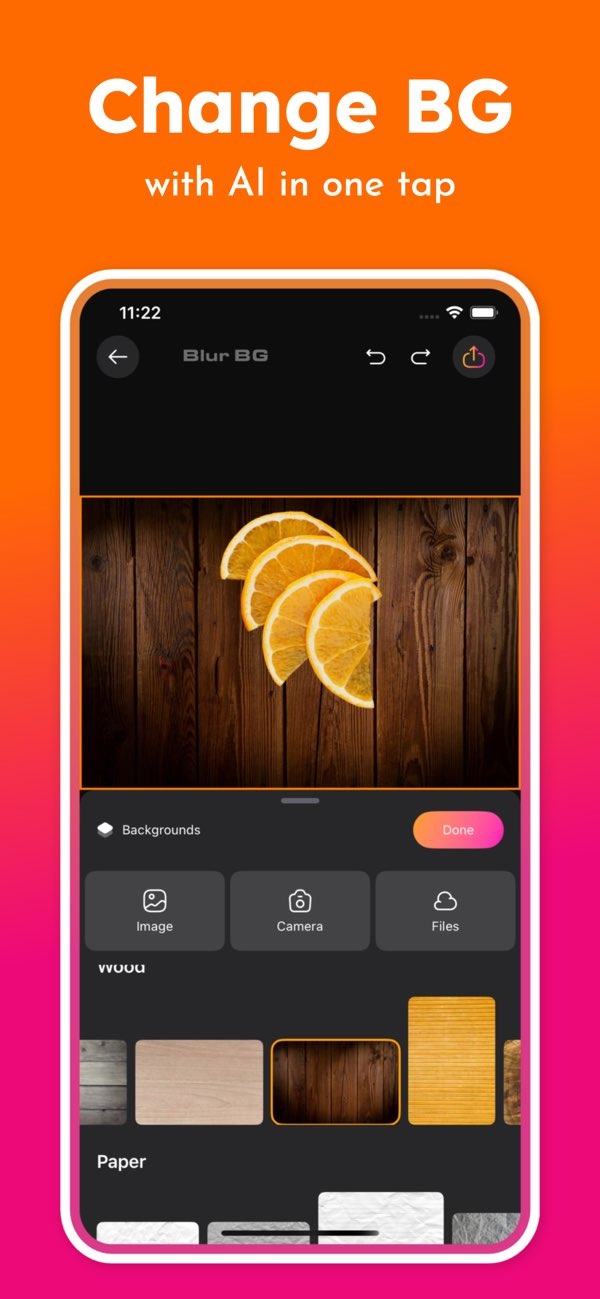
The Background Editor app lets you remove backgrounds with AI in one tap. This makes it simple to separate a subject from its background.
Can I change the background of my photos?
Yes. The app includes AI tools that let you change backgrounds and choose from different options to adjust the look of your images.
Is the Background Editor app suitable for social media posts?
Yes. The app includes over 500 designs made for social media, which helps you create posts that stand out.
Where can I download the Background Editor app?
You can download the app from the App Store by visiting this link.
Conclusion
Creating a seamless photo collage is a great way to share ideas and tell a story through images. With the Background Editor app on iOS, you get AI tools that make the process easier and help improve your final design. Whether you design for work or for fun, the app gives you the tools you need to create clean, seamless collages.
For more information on the app and its features, visit the developer’s main site: Editr Apps.
