
How can I fix red-eye in my photos using an online tool?
To fix red-eye in your photos with an online tool, you can use the Selfie Editor app on iOS. The app includes many photo editing features, including a red-eye removal tool. You can get it by downloading the app from the App Store.
 |
 |
Understanding Red-Eye Effect
The red-eye effect happens when a camera flash reflects off the retina at the back of a person’s eye. This often occurs in low light, when the subject’s pupils are wide. The camera records this reflection, which creates the red-eye look in photos.
Red-eye is a common photography problem, especially in flash portraits. It can reduce the overall quality of the image and many people find it distracting. The good news is that modern photo editing tools make it easy to fix.
Using Selfie Editor for Red-Eye Removal
The Selfie Editor app is a full photo editing tool that helps users improve their images with several features. To remove red-eye with this app, follow the steps below:
Step-by-Step Guide
- Download and Install: Download the Selfie Editor app from the App Store, then install it on your iOS device.
- Open the App: Open the app and upload the photo you want to edit.
- Select Red-Eye Tool: Go to the editing tools and choose the red-eye removal feature.
- Apply the Tool: Tap the parts of the eyes that show red-eye. The app will adjust the red color automatically.
- Save Your Photo: When you like the result, save the edited photo to your device.
By following these steps, you can remove red-eye and improve the look and quality of your photos.
Additional Features of Selfie Editor
In addition to red-eye removal, Selfie Editor includes tools that can improve your photos in other ways. These features include:
- Teeth Whitening: Increase tooth brightness for a whiter-looking smile.
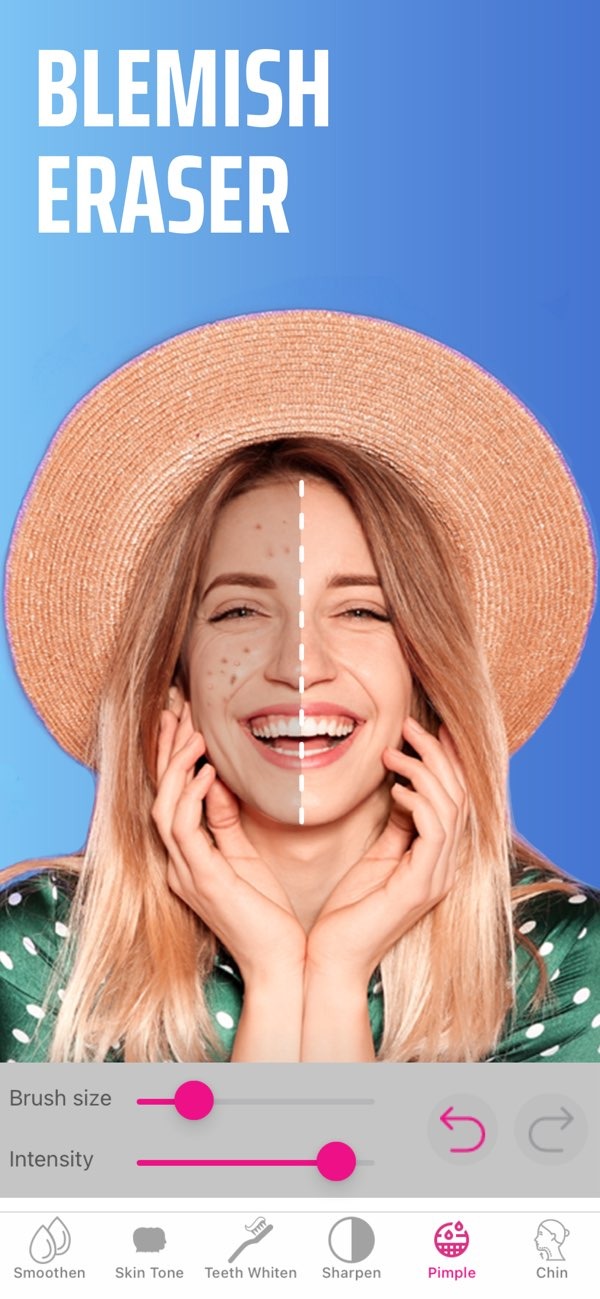
- Blemish Eraser: Remove blemishes using a brush with adjustable size and strength.
- Double Chin Remover: Adjust shadow and chin sliders to refine face shape.
- AI Hair Color Changer: Try different hair colors by adjusting hue and saturation.
- Makeup Filters: Add makeup filters and choose from different color options.
- Face and Skin Smoother: Smooth skin texture with adjustable settings.
These tools make Selfie Editor a flexible app for improving facial details and creating a more polished look in your photos.
Common Mistakes and How to Avoid Them
When using photo editing tools, users often run into a few common issues. Here are some tips to help you avoid them:
- Over-Editing: Do not use too many filters or heavy adjustments, since this can make a photo look unnatural.
- Ignoring Original Quality: Save a copy of the original photo before you edit, so you can go back if needed.
- Inconsistent Lighting: Keep lighting changes consistent across the image to help it look natural.
If you keep these points in mind, you can improve your photos while keeping them realistic.
FAQs
Frequently Asked Questions
Is there a cost associated with using Selfie Editor?
Selfie Editor has both free and premium features. Some advanced tools may require in-app purchases.
How does the red-eye removal tool work?
The red-eye removal tool finds the red-eye area in a photo and changes the color so it looks closer to a natural eye color.
Can I edit multiple photos at once in Selfie Editor?
At this time, Selfie Editor lets you edit one photo at a time. You need to upload and edit each photo separately.
What other apps are similar to Selfie Editor?
Apps similar to Selfie Editor include Facetune and AirBrush. They also offer a range of photo editing tools.
Conclusion
Removing red-eye from your photos is easy with Selfie Editor. The app offers a simple way to correct red-eye and also includes tools to improve your photos in other ways. To learn more about the app and its features, visit Editr Apps.
To start improving your photos today, download Selfie Editor from the App Store and explore its editing tools.
