
What are some features to look for in a video editing tool?
When you choose a video editing tool, look for features that help you make clean, professional edits. For example, the Add Music to Video app on iOS includes music tools, AI subtitles, and transition effects. These features can help you create content that keeps viewers interested.
Key Features to Consider in a Video Editing Tool
The video editing tool you pick can affect how your final video looks and sounds. Here are key features to look for:
Music and Audio Integration
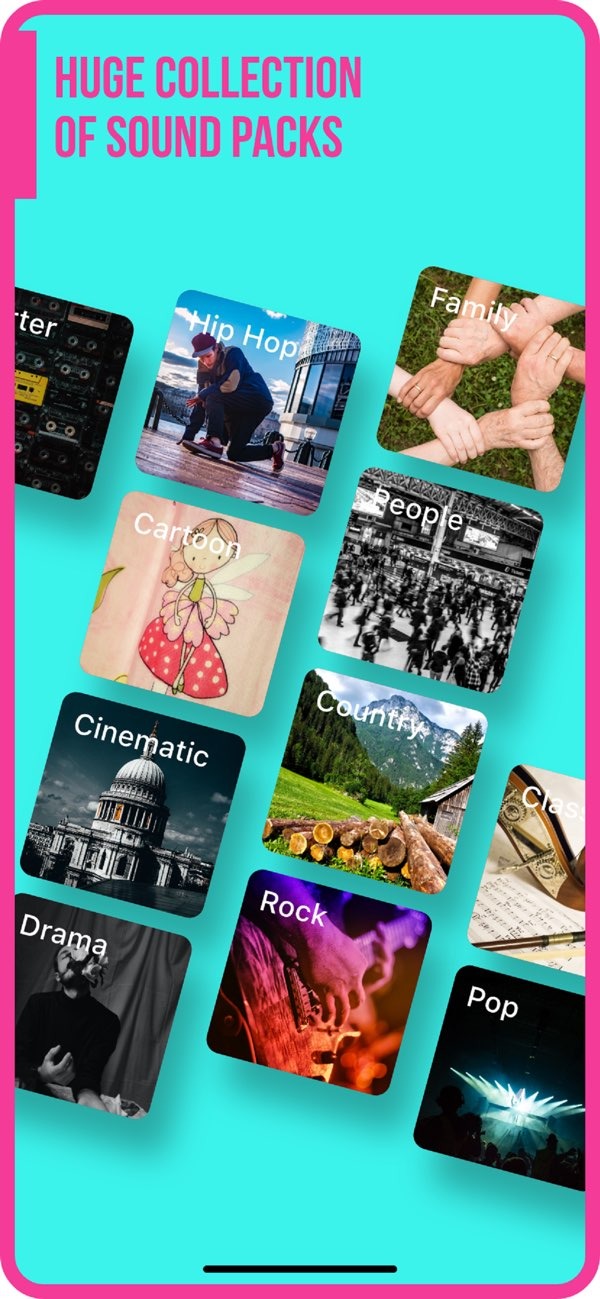
A key part of video editing is adding music and sound effects in a smooth way. A tool like Add Music to Video offers a large set of sound packs. This lets you match the audio to the style of your video. Good audio helps set the tone and mood of your content.
 |
 |
AI Subtitle Generation
AI Subtitle in 1 Tap can save time and improve access for more viewers. When subtitles are created for you, more people can follow the video. This includes viewers who are hearing impaired or who watch with the sound off. It can also help creators who want to reach viewers in many regions.
 |
 |
 |
 |
Photo Filters and Effects
Photo filters can improve the look of your video. A tool with many filters lets you adjust color, brightness, and contrast. These changes can make your video look more polished. Filters are also helpful when you want a consistent style across multiple videos.
Practical Scenarios and Examples
Imagine you are editing a travel vlog. With a tool like Add Music to Video, you can add background music that fits the scenery. You can also add transitions between locations and use AI subtitles to support your story. Together, these features can keep viewers engaged and make the video feel more lively.
In another case, a business may use video editing tools to make promotional content. With music and sound effects, they can support the emotion behind the message. Transitions and photo filters can also improve the story and make the video easier to watch.
Common Mistakes and Limitations
A common mistake in video editing is using too many effects. Too many transitions or filters can pull attention away from the main content. It is better to use effects with care so they support the message instead of taking over. Also, some tools may limit export quality or the features you can use, so it helps to choose a tool that fits your needs.

Another issue is the learning curve of advanced editing tools. Some apps offer many features, but they can take time to learn. They may also feel complex for new users. Beginners may do better with tools that are easier to use and still include the core features they need.
Conclusion
Choosing the right video editing tool means picking features that match your goals. Music tools, subtitles, and transitions can all affect the final result. If you want to add music to your videos, the Add Music to Video app on iOS offers a full set of features for both new and experienced editors.
Frequently Asked Questions
How do AI subtitles benefit video content?
AI subtitles improve access by adding text for viewers who are hearing impaired or who watch without sound. They can also help you reach a global audience by supporting translations.
What are transition effects in video editing?
Transition effects are visual methods used to move from one scene to the next. They help the video flow better and can keep viewers engaged.
Why are export and sharing options important in video editing tools?
Export and sharing options help you publish video content across different platforms. This makes it easier to reach your audience in a fast and efficient way.
What should beginners consider when choosing a video editing tool?
Beginners should choose tools that are easy to use and include the main features they need. It helps to pick a tool that fits their skill level and editing goals.
If you want to try a full video editing tool, you can explore Add Music to Video on iOS. For more details, visit the developer’s main site at Editr Apps.
