
How can I edit my selfies to look more professional?
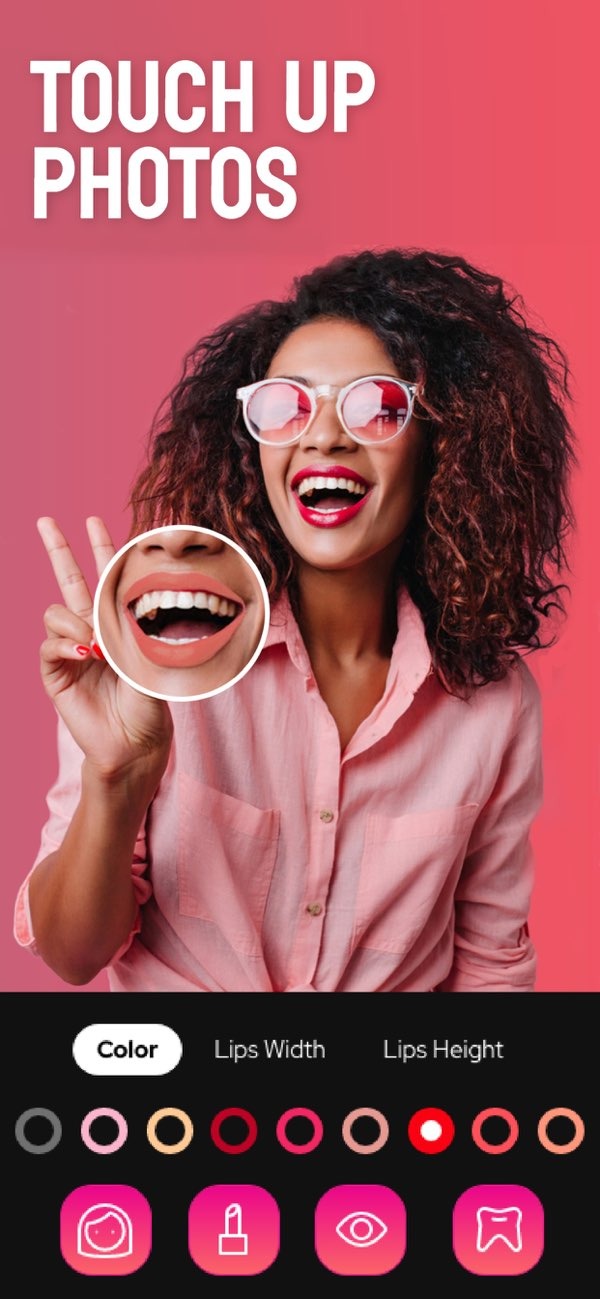
To edit your selfies and get a more professional look, you can use the Selfie Editor on iOS. The app includes tools like teeth whitening, blemish erasing, and AI hair color changes. These features can help you improve your selfies in a simple, controlled way.
Key Facts About Editing Selfies
- Selfie Editor offers customizable tools for teeth whitening and blemish removal.
- Adjustable settings give you precise control over each change.
- AI tools support realistic hair color changes and makeup effects.
- Professional editing tools can help you create a polished headshot.
Understanding the Basics of Selfie Editing
Editing selfies to look more professional usually means improving facial features, using filters, and fixing small flaws. Start by choosing what you want to change in your photo. You might want to smooth skin, whiten teeth, or add makeup. With the right tools, small edits can make a clear difference.
 |
 |
 |
 |
 |
 |
 |
 |
Next, you can try the double chin remover. This tool uses adjustable shadow and chin sliders to refine the jawline in a subtle way. When you combine these tools, you can create a headshot that fits professional settings.

Common Mistakes and How to Avoid Them
When editing selfies, avoid over-editing, since it can make the photo look unnatural. One common issue is using too much smoothing. Heavy smoothing can remove normal skin texture. To prevent this, use the smoothing tool lightly and adjust the settings until the skin still looks real.
Another common mistake is choosing filters that are too strong. Filters can improve a photo, but they should match the photo’s lighting and natural colors. Lower the filter intensity so it enhances the image instead of taking it over.
Frequently Asked Questions
Frequently Asked Questions
How can I remove blemishes without losing skin texture?
Adjust the blemish eraser tool’s brush size and intensity so you can remove imperfections while keeping the skin’s natural texture.
Can I change my hair color in a selfie?
Yes, the AI hair color changer in Selfie Editor lets you try different colors by adjusting hue and saturation settings.
How do I make my selfies look more professional?
Use tools like face and skin smoother, teeth whitening, and makeup filters to improve your selfie and create a polished, professional look.
Is Selfie Editor free to use?
Selfie Editor includes a range of free features, and it also offers advanced tools through in-app purchases.
Conclusion
Editing your selfies to look more professional is possible with the right tools and a careful approach. With the Selfie Editor on iOS, you can make precise edits and try different styles. Whether you want a clean headshot or a new look, the app includes features that support your goal.
For more information and to explore additional photo editing apps, visit Editr Apps.
Ready to transform your selfies? Download the Selfie Editor on iOS today and start creating stunning, professional-quality photos.
