
How can I restore old photos using an online tool?
You can restore old photos with the AI Photo Enhancer on iOS. The app includes tools that help you improve and fix older images, so your saved memories can look clear again in just a few taps.
 |
 |
Key Features of AI Photo Enhancer
The AI Photo Enhancer includes tools that make photo restoration simple and effective. These include:
- Enhance and Sharpen: Improve the clarity of blurry photos.
- Colorization and Repair: Add color to old photos and repair damage.
- Vibrant Filters: Use AI-powered filters to improve photo quality.
- Portrait Auto Smoother: Smooth portraits automatically for a clean look.
- Blur Background: Change background blur with a slider to keep focus on the subject.
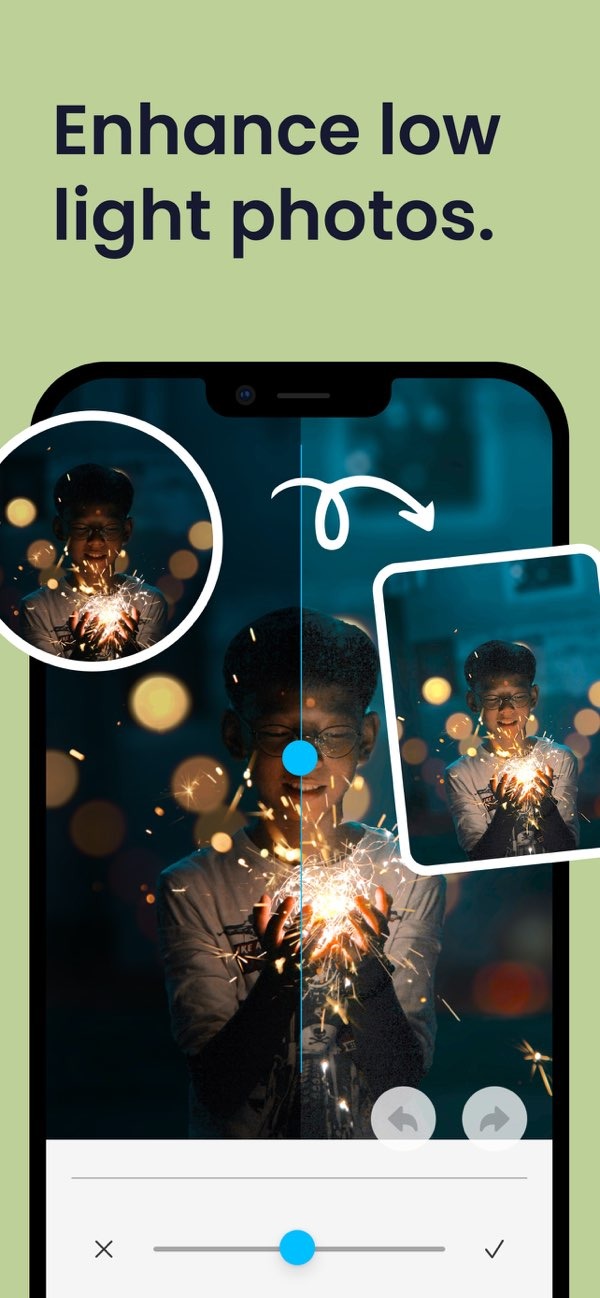
- Low Light Enhancement: Improve photos taken in low light.
Step-by-Step Guide to Restoring Photos
1. Upload Your Photo
First, download the AI Photo Enhancer app from the App Store. After you install it, open the app and choose the photo you want to restore from your device gallery.
2. Use the Enhance and Sharpen Tool
After you upload the photo, use the “Enhance and Sharpen” feature to make the image clearer. This tool helps most when a photo has become blurry over time.
 |
 |
 |
 |
Common Mistakes and How to Avoid Them
When restoring photos, you may run into a few common issues. Knowing them can help you get better results:
- Over-Editing: Do not overuse filters or enhancements, because the photo may start to look unnatural.
- Ignoring Original Quality: Start with the highest-quality version of your photo that you have.
- Neglecting Backup: Before you edit, save a backup copy of the original photo to avoid losing it.
Limitations and Trade-offs
AI Photo Enhancer offers strong tools, but it also has limits. Results often depend on the starting quality of the photo. If an image is very damaged or very low resolution, it may not restore perfectly. Also, AI tools can improve photos a lot, but they may not match the exact original look, especially when it comes to color accuracy.
Conclusion
Restoring old photos is easier with the AI Photo Enhancer app. If you follow the steps above, you can improve your treasured memories and make them look clearer. To learn more about the app and what it can do, visit Editr Apps.

Frequently Asked Questions
Ready to restore your old photos? Download the AI Photo Enhancer on iOS and start restoring your memories today.
