
What are some ways to transcribe audio files into text?
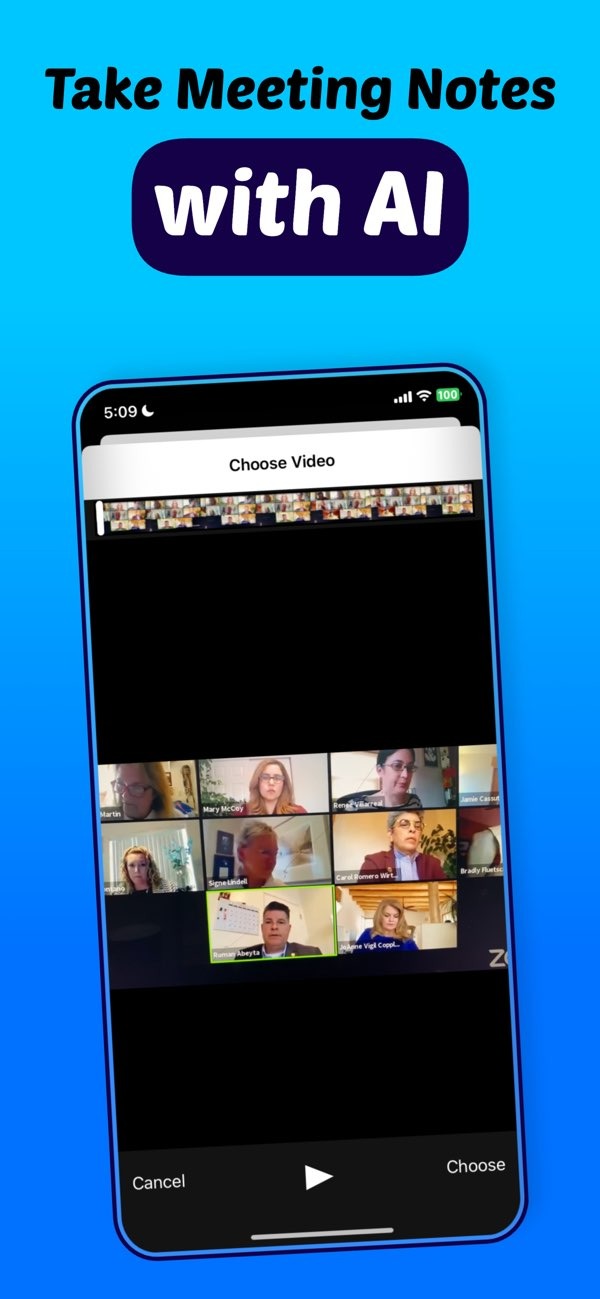
You can transcribe audio files into text in several ways. One option is to use automated tools such as Transcribe speech to text AI on iOS. This app can turn speech from meetings, lectures, and other audio sources into text. It helps you create notes that are clear and easy to organize.
 |
 |
Summary of Key Methods
- Use AI-powered transcription apps to convert audio to text automatically.
- Use manual transcription when you need high accuracy for specialized content.
- Use online services for fast and simple transcription.
- Use voice recognition software for real-time transcription.
Automated Transcription Tools
Automated transcription tools have changed how we convert audio to text. They use algorithms and artificial intelligence to create transcripts quickly. The results are often accurate, especially with clear audio. One example is Transcribe speech to text AI on iOS. It can work with many audio formats and produce text that you can edit and organize.
Features of Automated Tools
Automated transcription tools often include language selection, instant translation, and tools to summarize text or video content. For instance, the Transcribe app lets users record lectures and meetings. It also offers a waveform display and a timer to help manage recordings with precision. These features can make it easier to capture speech and turn it into text.
 |
 |
Examples of Popular Tools
Several popular tools are available for automated transcription, including:
- Murf AI: Known for high-quality voice synthesis and transcription features.
- Happy Scribe: Offers automated and human transcription services for better accuracy.
- Otter Transcribe Voice Notes: Useful for meetings and personal notes, with real-time collaboration features.
- Clipto AI: Offers quick transcription services with a focus on ease of use.
- Turbo Scribe: Focuses on fast transcription services with a user-friendly interface.
Manual Transcription
Manual transcription means listening to an audio recording and typing the words you hear. People often choose this method when they need very high accuracy, such as for legal or medical work. It can take more time, but it helps ensure that details, tone, and specific terms are captured correctly.
When to Use Manual Transcription
Manual transcription works well when the audio quality is poor or when there are multiple speakers. It is also helpful when the content includes technical jargon that automated tools may miss. If the transcript must be error-free, a human transcriber can often do better because they understand context.
Online Transcription Services
Online transcription services sit between automated and manual transcription. Many use a mix of AI and human review to improve accuracy. They can be a good choice when you need a quick turnaround but still want strong quality.
Advantages of Online Services
These services often offer flexible pricing and different delivery speeds. You can usually pick a service level, such as automated only, hybrid, or fully human transcription. The right choice depends on your needs and your budget.

Voice Recognition Software
Voice recognition software can transcribe speech in real time. It turns spoken words into text as the speaker talks. This can be useful for live events, dictation, and any situation where you need text right away.
Applications of Voice Recognition
Voice recognition is common in virtual assistants, customer service tools, and accessibility features for people with disabilities. It lets users control devices and apps with voice commands. This can speed up tasks and improve productivity.
Common Challenges and Solutions
Even with modern transcription tools, problems can still come up. Common issues include background noise, strong accents, and unclear speech. To reduce these problems, use good recording equipment and record in a quiet space. It also helps to choose transcription tools that include noise reduction features.
Improving Transcription Accuracy
To improve accuracy, you can share context or a glossary with the transcription service. This is especially helpful for industry-specific terms. Keeping software up to date can also help. Tools that use machine learning may improve over time as well.
Frequently Asked Questions
How can I transcribe audio files for free?
Some apps and online services offer free transcription with limited features. Otter Transcribe Voice Notes, for example, has a free tier with basic functionality.
Are automated transcription tools accurate?
Automated tools can be very accurate when the audio is clear and there is little background noise. However, they can struggle with accents or technical jargon. In those cases, manual transcription may be more reliable.
Can I use transcription tools for multiple languages?
Yes, many transcription tools support multiple languages and also offer translation features. Make sure the tool you choose supports the languages you need.
What are the limitations of voice recognition software?
Voice recognition software can have trouble with background noise, speaker accents, and words that sound alike. It works best in controlled settings with clear speech.
If you want to simplify your transcription workflow, you can explore Transcribe speech to text AI on iOS. For more details on transcription solutions, visit the Editr Apps website.
