
How can I enhance the audio quality of my recordings for better transcription results?
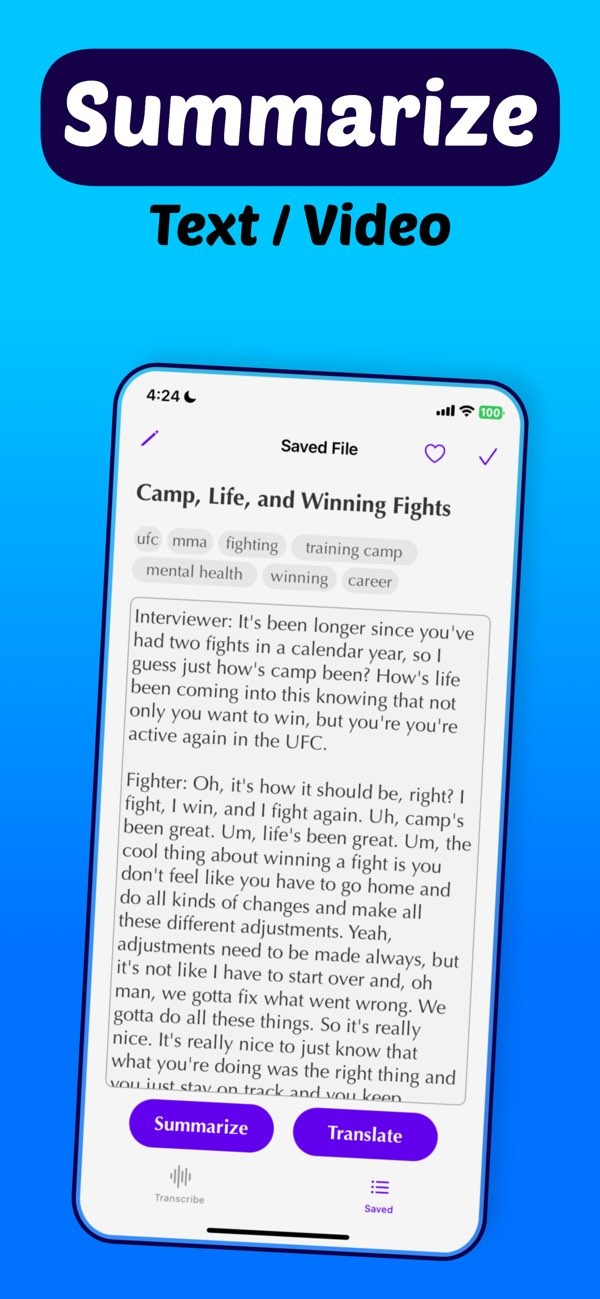
Better audio quality can greatly improve transcription accuracy. With the Transcribe speech to text AI on iOS app, you can convert speech to text more accurately by using a few clear steps to improve your recordings.
 |
 |
Summary of Key Facts
- High-quality audio recordings lead to more accurate transcriptions.
- The right equipment and a good environment can greatly improve audio clarity.
- Post-processing can further improve audio quality.
- Transcribe speech to text AI on iOS offers tools that can help you get better transcription results.
Understanding the Importance of Audio Quality in Transcription
Audio quality has a major effect on transcription accuracy. When audio is unclear, the transcript may include wrong words and other errors. That is why it is important to record clear speech. Background noise, microphone quality, and recording settings can all affect audio quality.
If you use transcription services or apps like Transcribe speech to text AI on iOS, start with the best audio you can. The app can convert speech to text efficiently, but it works best when the audio is clean and easy to hear.
Choosing the Right Equipment
The gear you use can strongly affect your audio. One of the best upgrades is a good microphone. USB microphones or dedicated digital recorders often sound clearer than built-in smartphone microphones.
It also helps to use headphones while you record. Headphones let you check volume levels and hear unwanted noise right away. Make sure your recording device works well with the Transcribe speech to text AI on iOS app so the transcription process is smooth.

Microphone Placement
Microphone placement matters for clear sound. Keep the microphone close to the speaker, but not so close that it causes distortion. A distance of about 6 to 12 inches usually works well. This distance can lower background noise and capture the voice more clearly.
Optimizing the Recording Environment
Your recording space can change the sound a lot. Pick a quiet place with as little background noise as possible. Rooms with soft items, like carpets and curtains, can absorb sound and reduce echo.
If you must record in a noisy space, try noise-canceling gear or software to reduce unwanted sound. The Transcribe speech to text AI on iOS app can also help by offering features that support clearer transcription.
Managing Background Noise
Background noise can make recordings hard to understand. To reduce it, turn off devices you do not need and close windows to block outside sounds. If you can, record at times when the area is naturally quieter.
Post-Processing Techniques
After you record, you can improve the audio with post-processing. With audio editing software, you can reduce noise, adjust volume levels, and balance the sound. These steps can make the final transcription much clearer.
If you use the Transcribe speech to text AI on iOS app, these improvements can help the app produce more accurate text.

Common Post-Processing Tools
Tools like Audacity or Adobe Audition include many options for audio cleanup. Common tools include noise reduction, equalization, and compression. Try different settings to find what works best for your recordings.

FAQs
Frequently Asked Questions
How can I reduce background noise during recording?
To reduce background noise, record in a quiet place, use noise-canceling equipment, and use noise reduction filters during post-processing.
Is it necessary to use audio editing software for transcription?
It is not required, but audio editing software can improve audio quality and help you get more accurate transcriptions.
Can the Transcribe speech to text AI app improve poor audio quality?
The app works best with clear audio, but it includes features that can help improve transcription accuracy even when recordings are not perfect.
What are some common mistakes to avoid when recording audio for transcription?
Common mistakes include using low-quality microphones, recording in noisy places, and not checking audio levels while recording.
Conclusion
Good audio quality is key to accurate transcription. By choosing the right equipment, recording in a better environment, and using post-processing, you can make your recordings much clearer. The Transcribe speech to text AI on iOS app, developed by Editr Apps, includes tools that can support this process and help keep your transcripts precise.
If you want better transcription results, consider downloading the Transcribe speech to text AI on iOS app today and see how much clear audio can help.
